Floating Bed Builds
Personal project
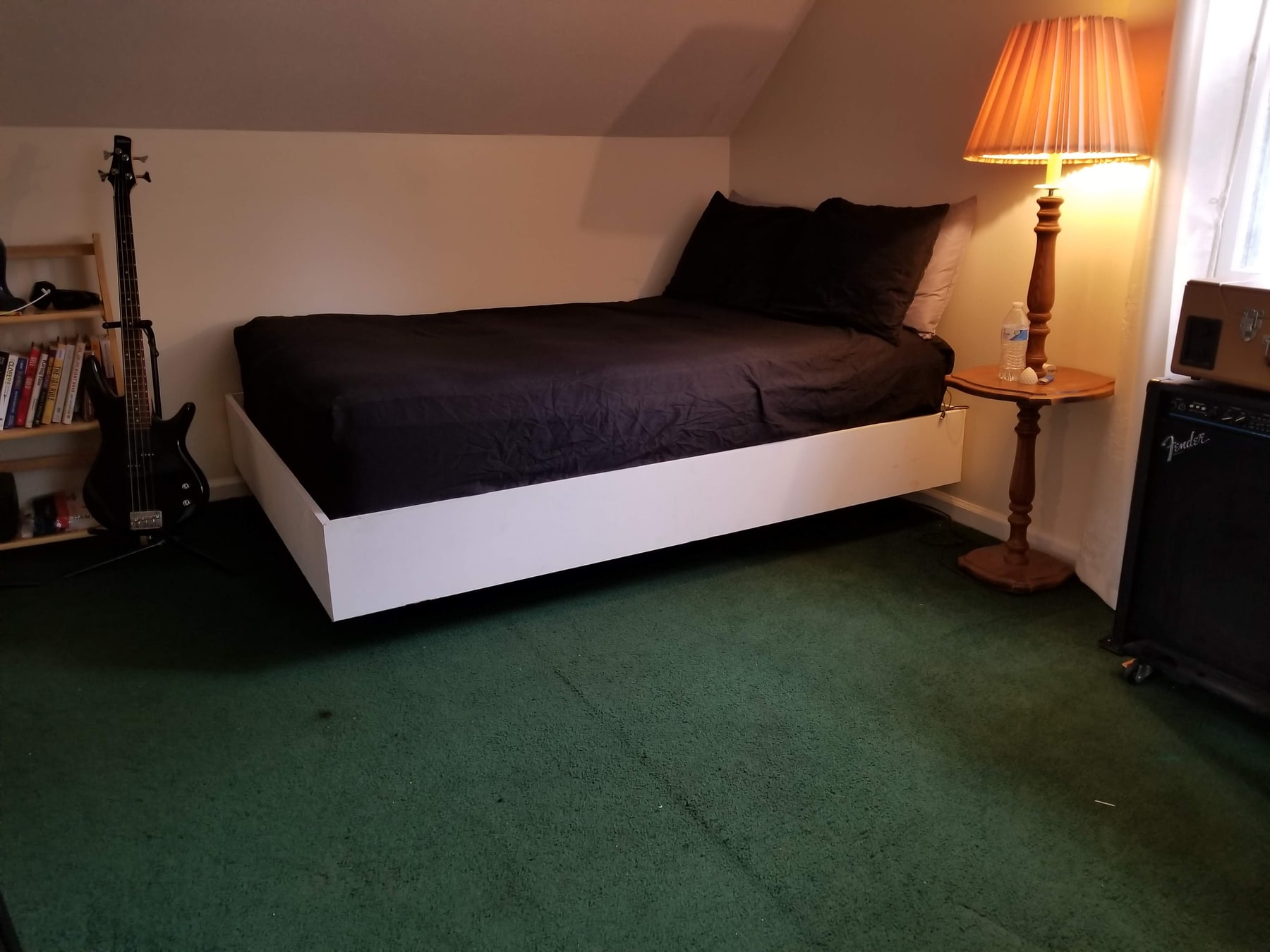
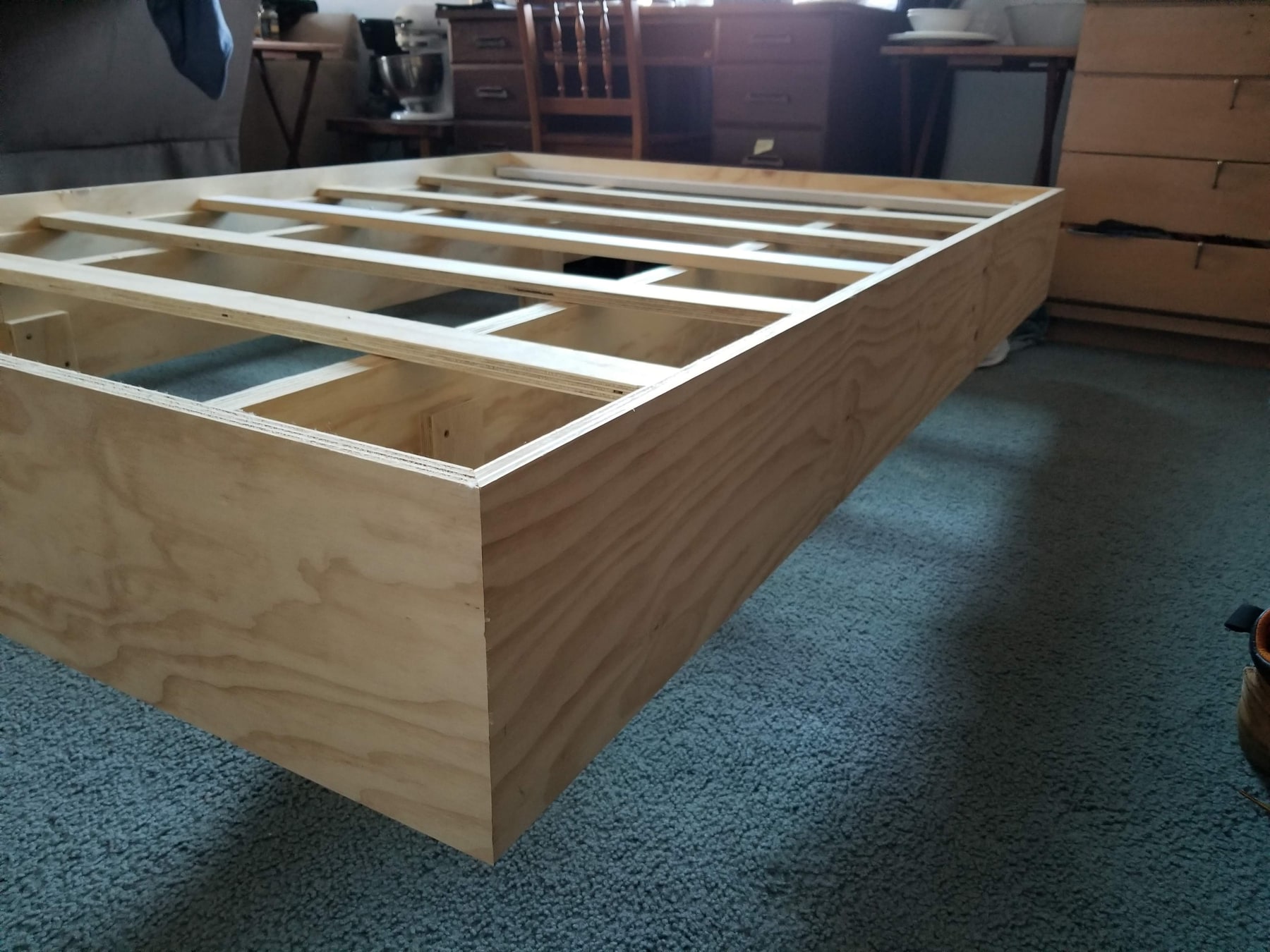
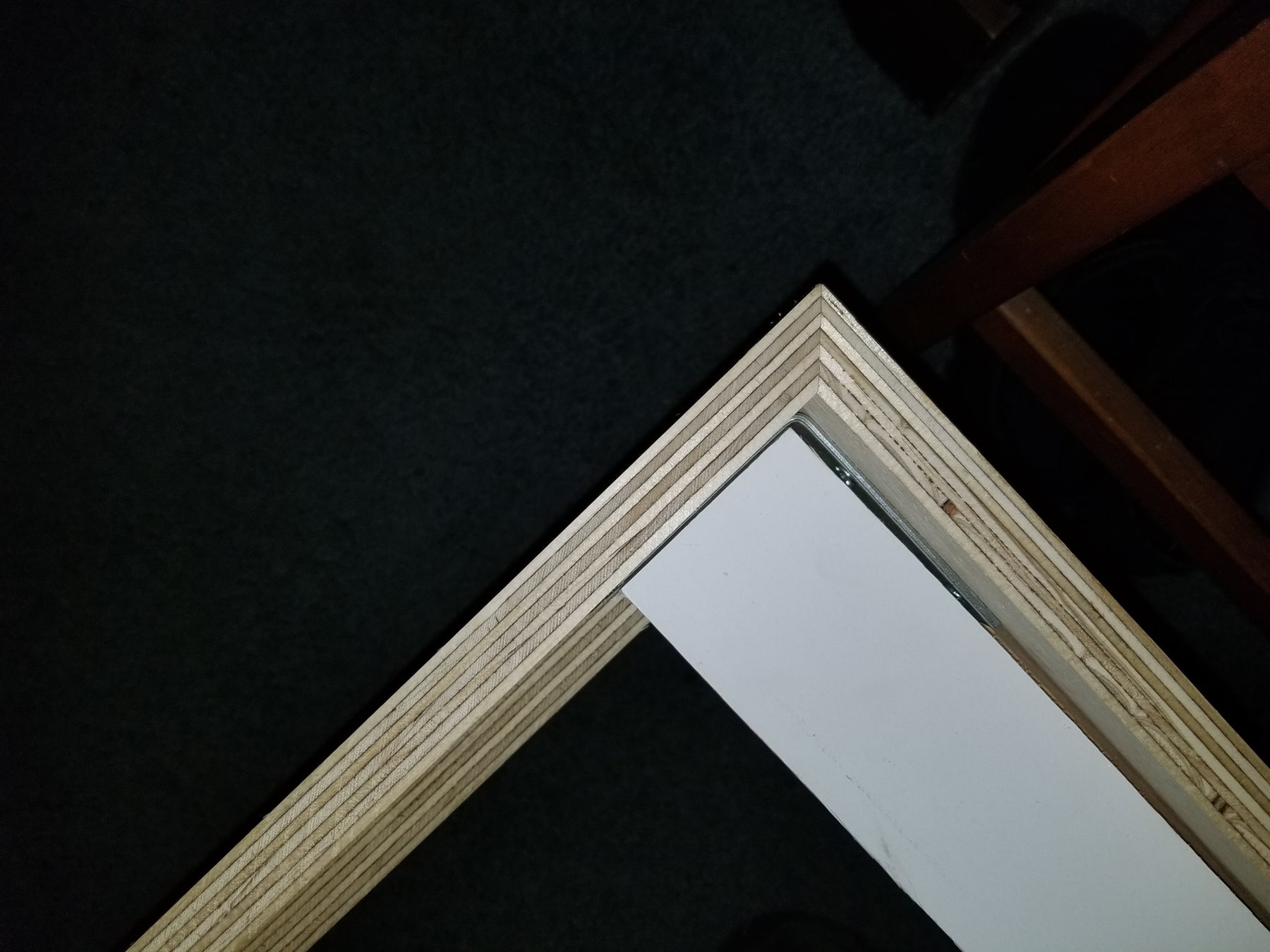
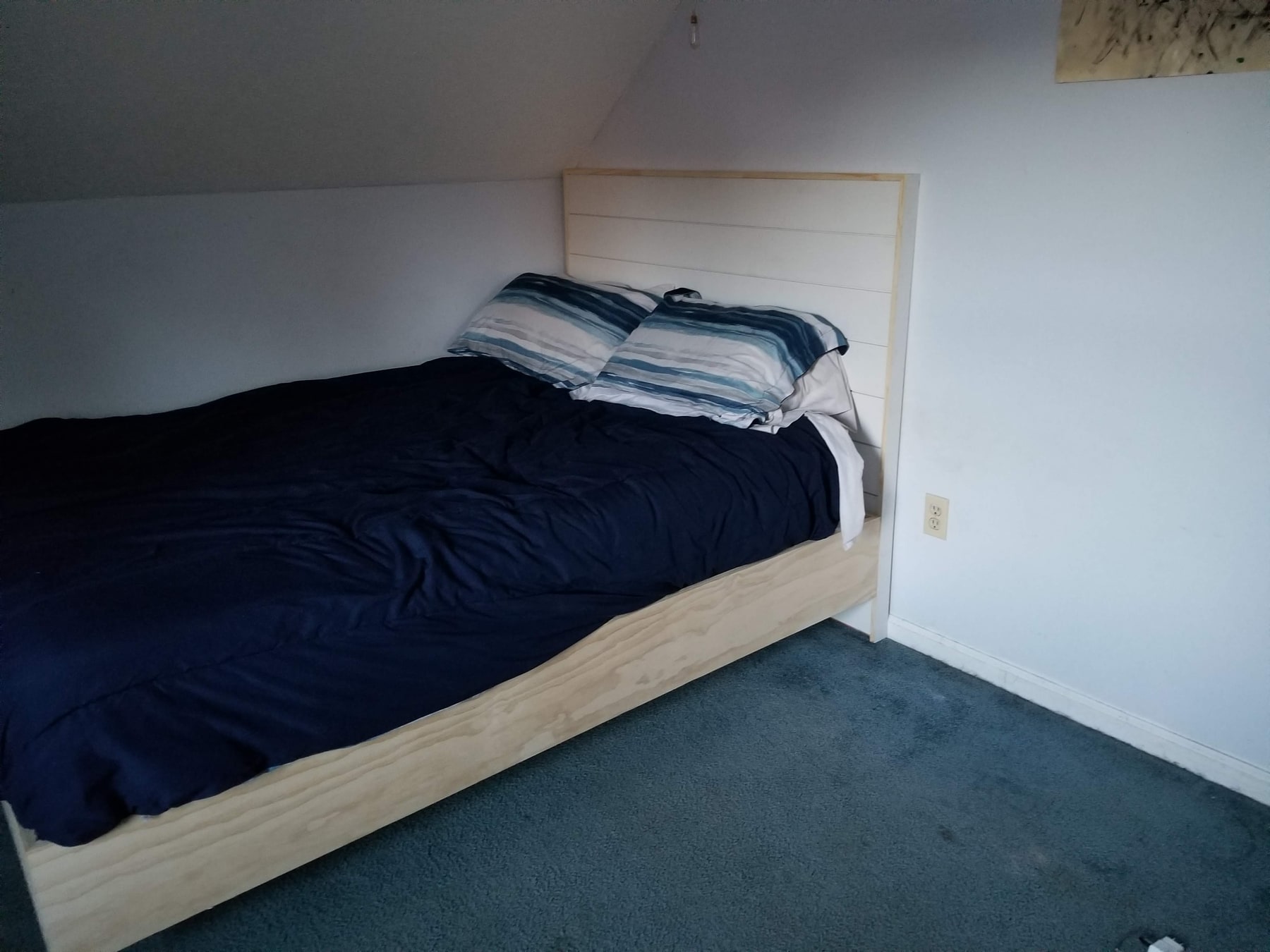
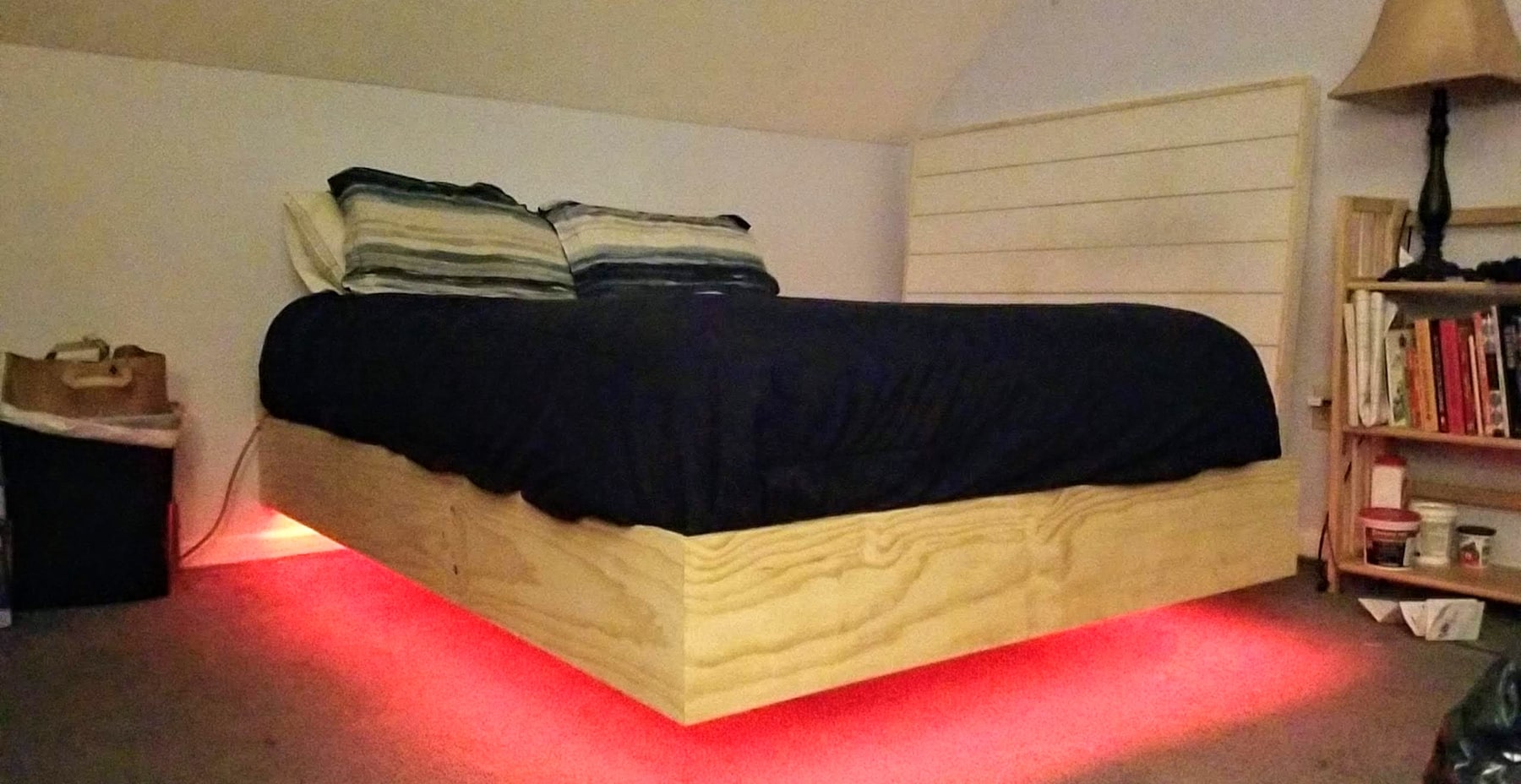
I co-developed this bed with my best friend, Tim Diprete—my twin brother in mind. Frame construction, corner details, and contrasting finishes appear in one photo set; a separate album shows under-bed lighting.
Experience into practice
From diagnosing mechanical and electrical faults to developing lighting controls and presenting a business online. A closer look at the work behind my experience.
Featured project
Personal project
I co-developed this bed with my best friend, Tim Diprete—my twin brother in mind. Frame construction, corner details, and contrasting finishes appear in one photo set; a separate album shows under-bed lighting.
01 / Technical Work
Professional marine service, self-directed automotive repair, electronics development, and operator interfaces each bring a different kind of technical challenge.
Professional experience · Northside Marina
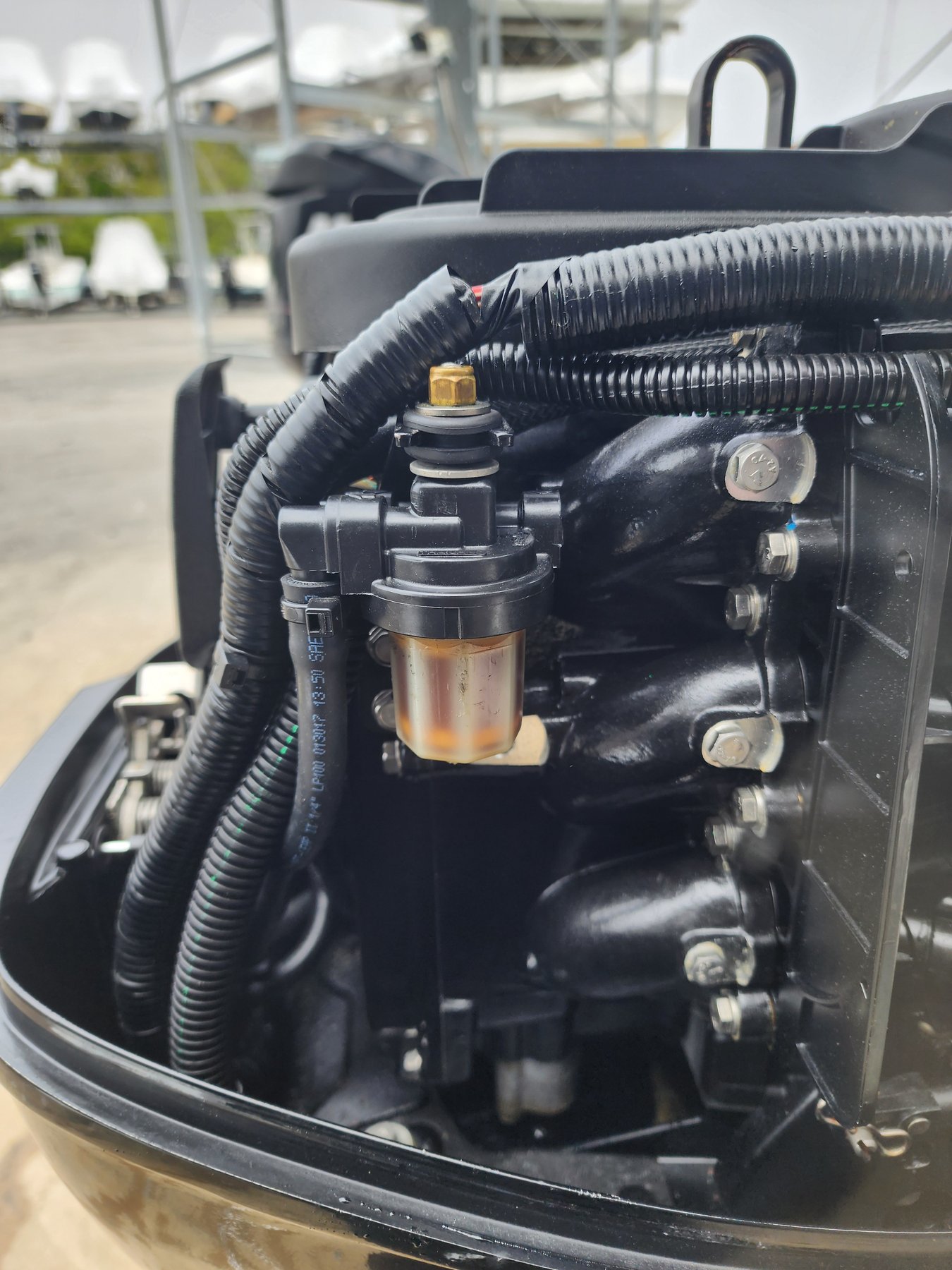
I joined Northside Marina in October 2024, bringing a background in carpentry and repairing my own vehicles. Marine work brought those skills together across engines, electrical circuits, fuel delivery, and vessel-control systems.
My work has included investigating no-start and running faults, interpreting diagnostic trouble codes, tracing starting and charging circuits, and identifying fuel-delivery problems. The task is to connect the symptom to its cause, using service information and test results to guide the repair.
Relevant experience: Marine service, engine diagnostics, electrical troubleshooting, service information, practical repair.
View employment experience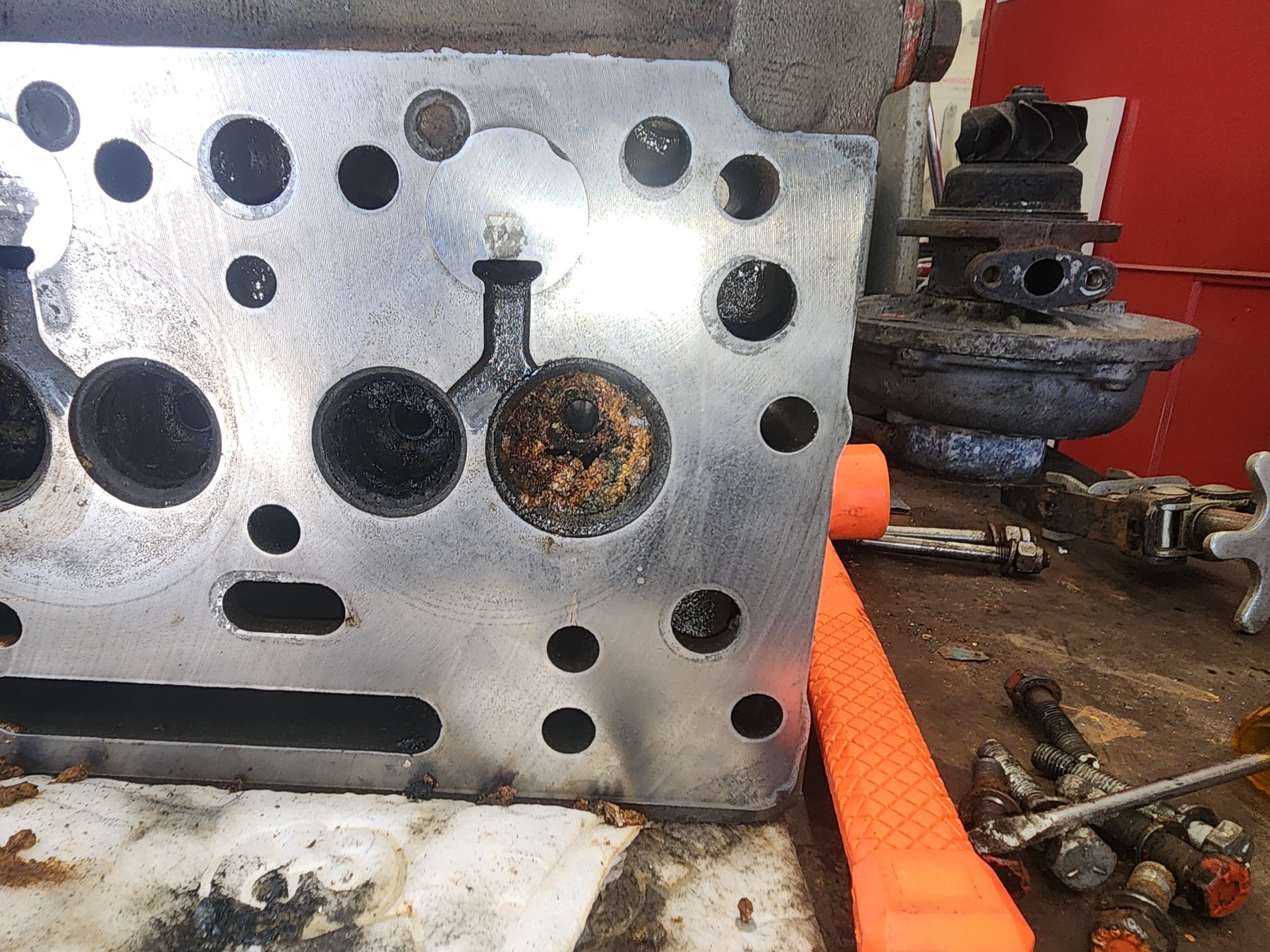
Independent project · Active development
A compact system for turning music and simple controls into stage lighting. Take a guided tour, even if you've never used lighting equipment.
Bring audio-reactive lighting and immediate operator controls into a compact system for live-event use. The project connects my interest in electronics with the practical demands of operating sound and lighting.
The design uses two small M5Stack CoreS3 touchscreens. The Brain handles incoming line-level audio and lighting settings. The Controller handles its microphone input and sends commands to the lights. They share settings and status over an ESP-NOW wireless connection. DMX is the protocol used to tell stage lights what to do.
The repository contains firmware, interface code, simulator tests, and technical documentation. Development is ongoing. The demos below use the project's behavior simulator with synthetic audio and virtual DMX. Radio performance and physical lighting output require separate hardware testing.
Project technologies: M5Stack CoreS3, ESP32-S3, C++, PlatformIO, LVGL, ESP-NOW, DMX512, TypeScript.
Explore the project
The guided demo explains what to try and what to watch for. You can also explore freely or open the plain-language glossary.
Start the guided demoThis project explores controlling stage lights with two small M5Stack touchscreens. Here, everything happens with virtual lights on screen. The Brain chooses the settings. The Controller receives them and sends commands to the lights. This browser demo simulates their connection.
Move brightness to 60%. Both numbers change together, because the Brain sends the new setting to the Controller. Choose a lighting pattern and start a demo beat. The bars represent low to high sound frequencies. The lights react to generated audio data. The demo beat itself is silent.
Disconnect, then lower the brightness. The Brain changes, but the Controller keeps its previous setting because new commands cannot reach it. Reconnect the devices. Missed changes are not sent again automatically. Move brightness to 80% to send a fresh setting. Both devices agree again.
The Controller also has its own lights-off button, called blackout. Even without a connection, it can turn every virtual light off, then restore them. Try the guided steps yourself, or explore freely. This shows software behavior. Real wireless connections, audio input, and physical lights need separate hardware testing.
Independent project · Implemented interface
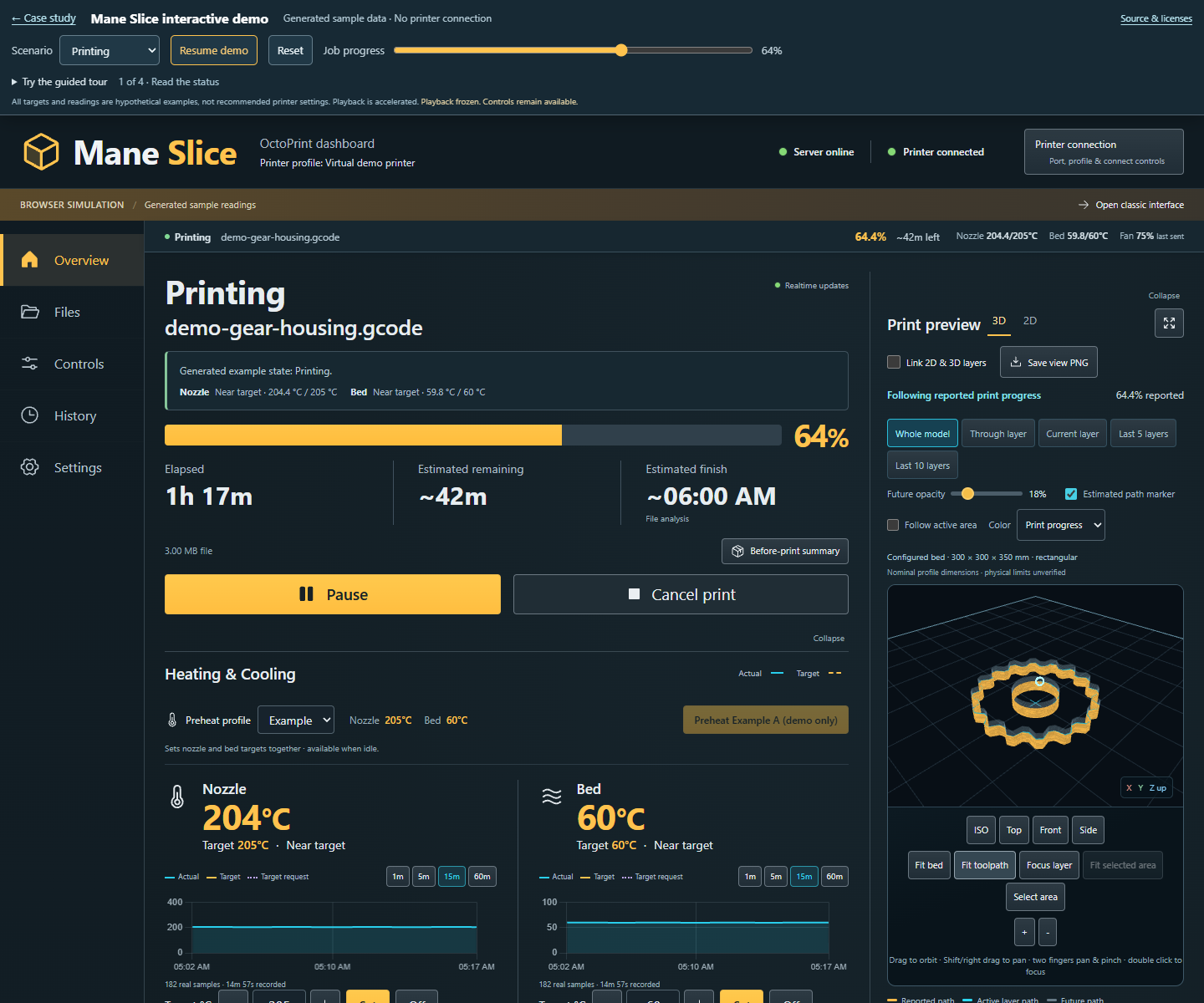
A clearer workspace for monitoring a 3D print, inspecting its layers, and finding the next control.
I defined the priorities, reviewed the prototype, and directed iterative design with AI-assisted implementation. The result brings job status, heater charts, commanded fan percentage, connection management, and manual controls together.
Upgraded 2D and 3D previews add linked layer inspection, close zoom, pan and pinch gestures, cutaways, multiview, and annotated image export. The expanded workspace keeps essential readings and job actions close to the model.
The case study includes a genuine earlier 2D capture, completed-interface screenshots with generated demonstration data, the phone layout fix, and the recorded software checks. The simulator has no printer connection.
Project focus: Operator experience, visual inspection, responsive layouts, and evidence-led iteration. Development tools: React, JavaScript, WebGL, Python, and OctoPrint.
Personal vehicles · Self-directed experience
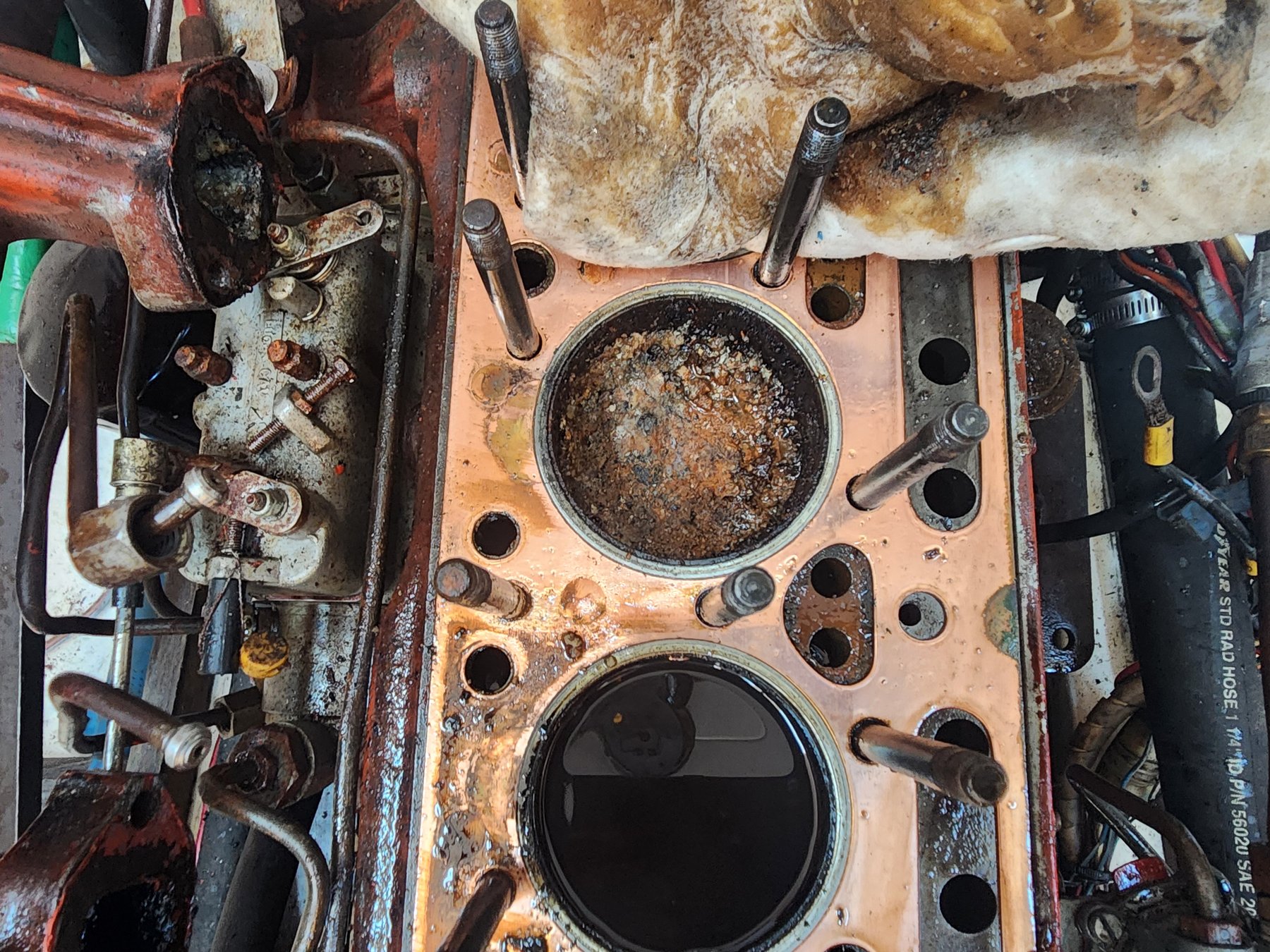
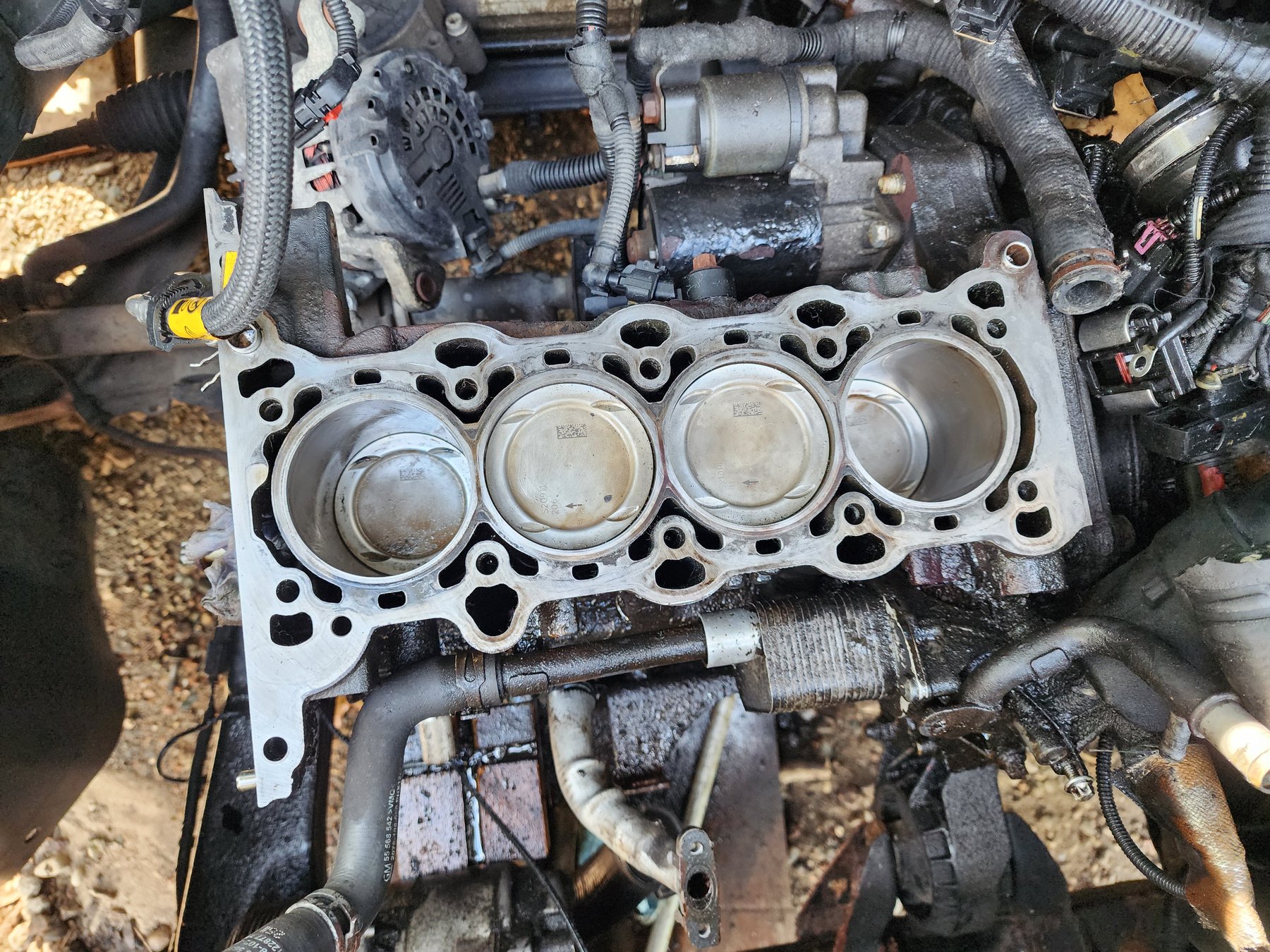
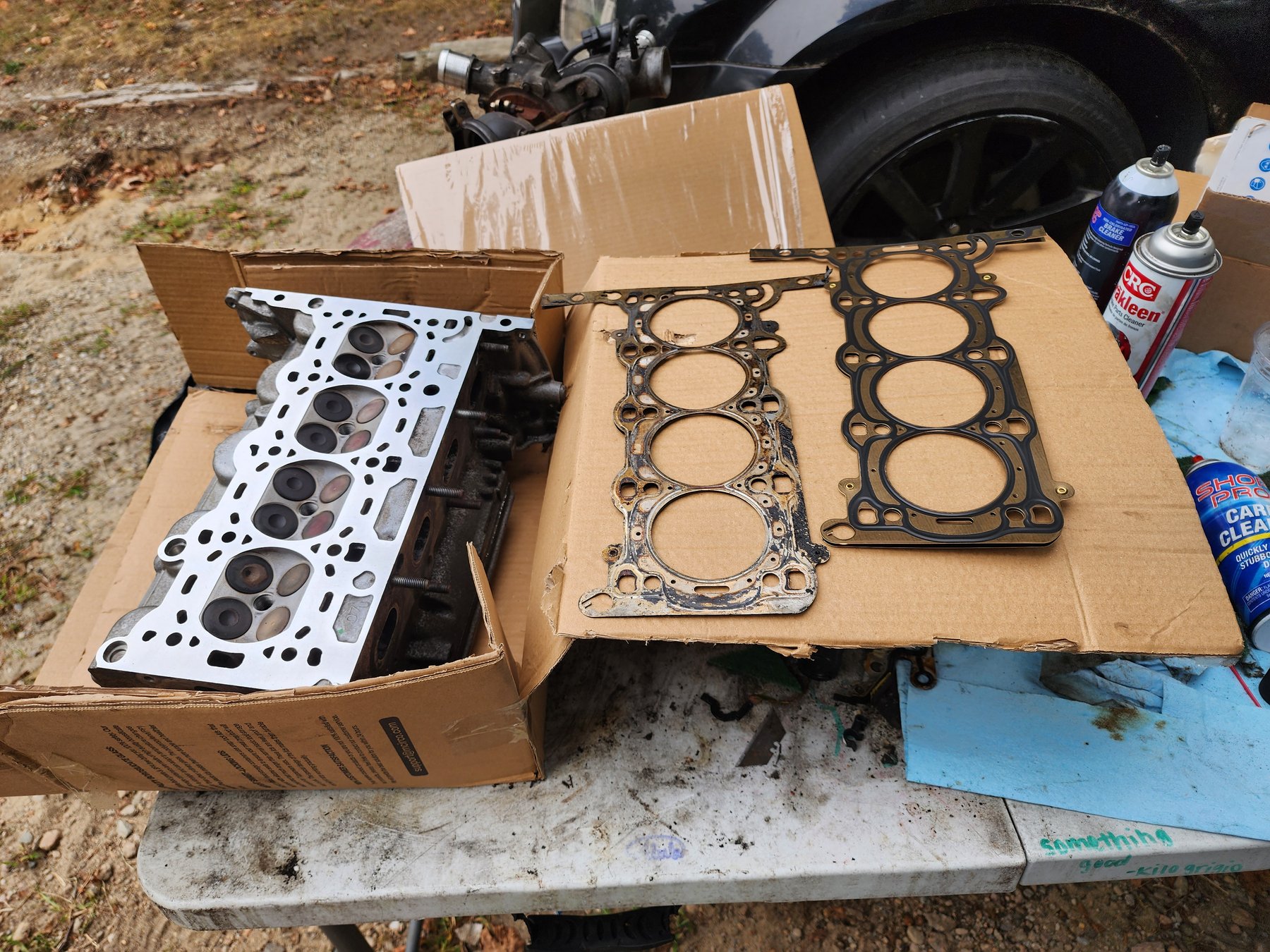
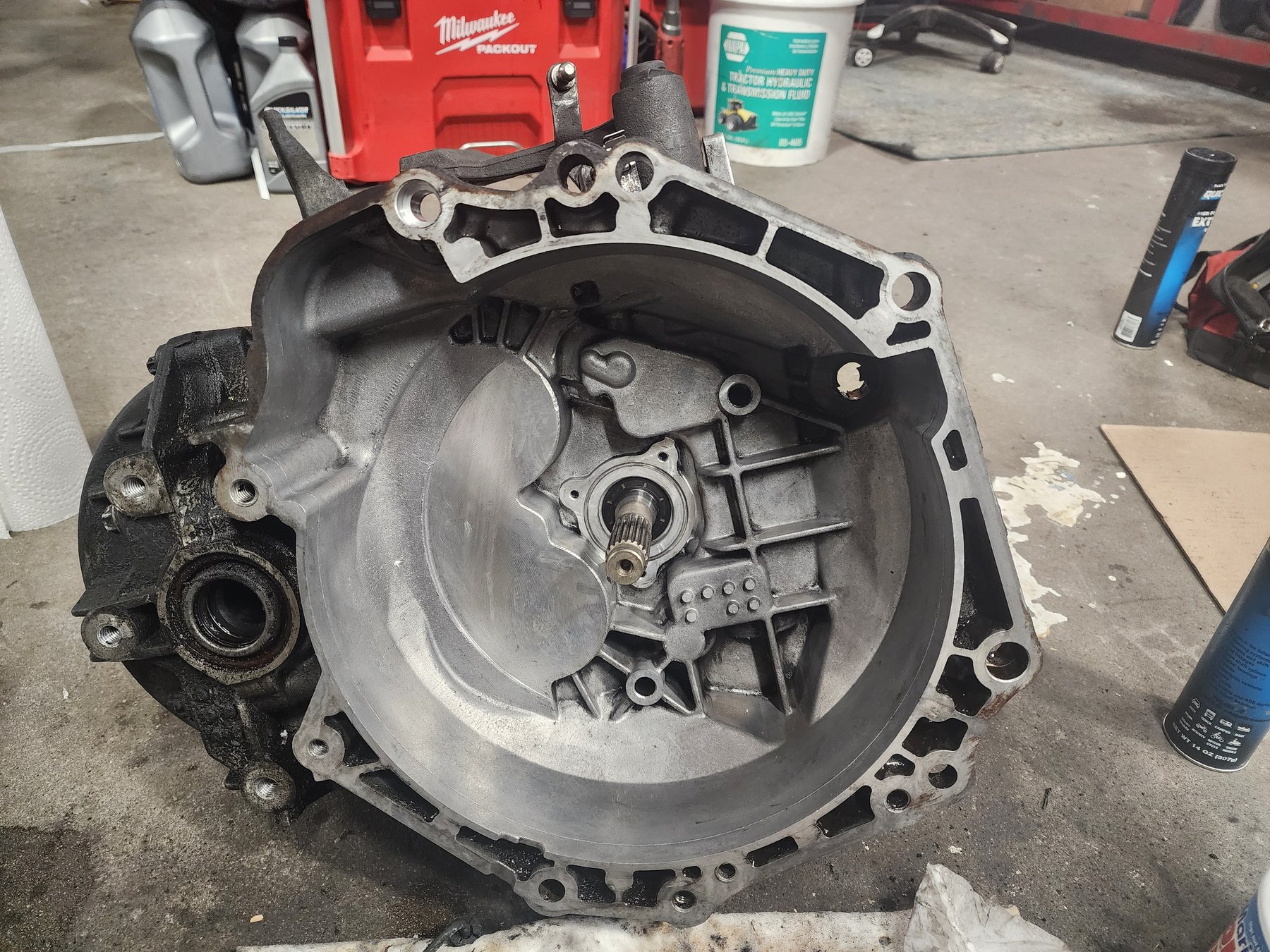
I have maintained and repaired my own vehicles, using each unfamiliar problem as a reason to learn how the system works. That grew into more involved jobs, including head-gasket and clutch repairs.
Working through those repairs deepened my mechanical understanding and helped me move into professional marine service. It is a practical part of my technical foundation alongside nearly a decade of carpentry experience.
Experience: Personal vehicle maintenance, engine and drivetrain repair, head gaskets, clutches, independent technical learning.
02 / Remodeling & Custom Builds
A closer look at stone paving, interior finishing, repair work, and personal furniture builds through selected project photographs.
Select a photograph for a larger view. The Google Photos links open the selected photographs in separate albums.
Remodeling project
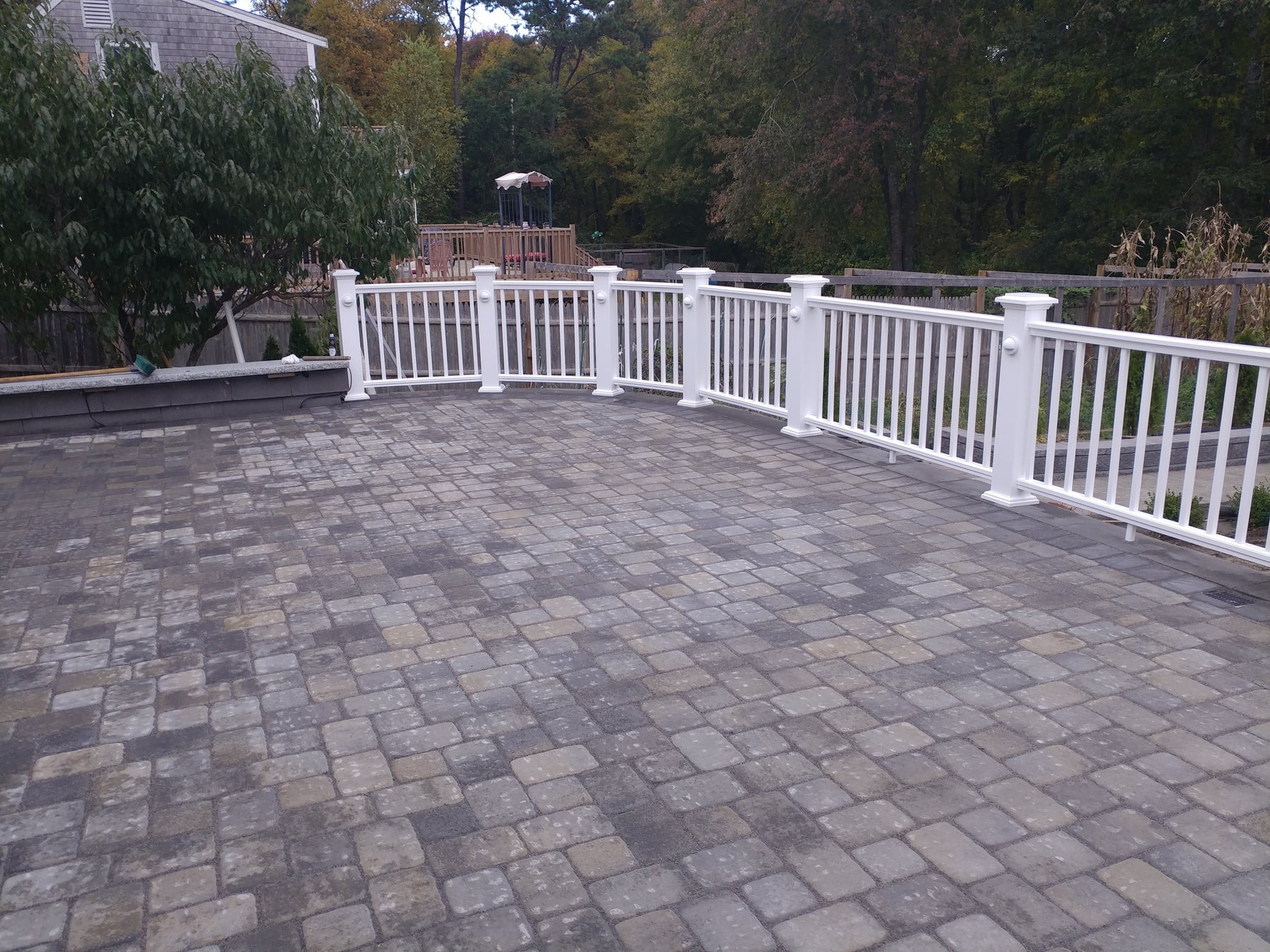
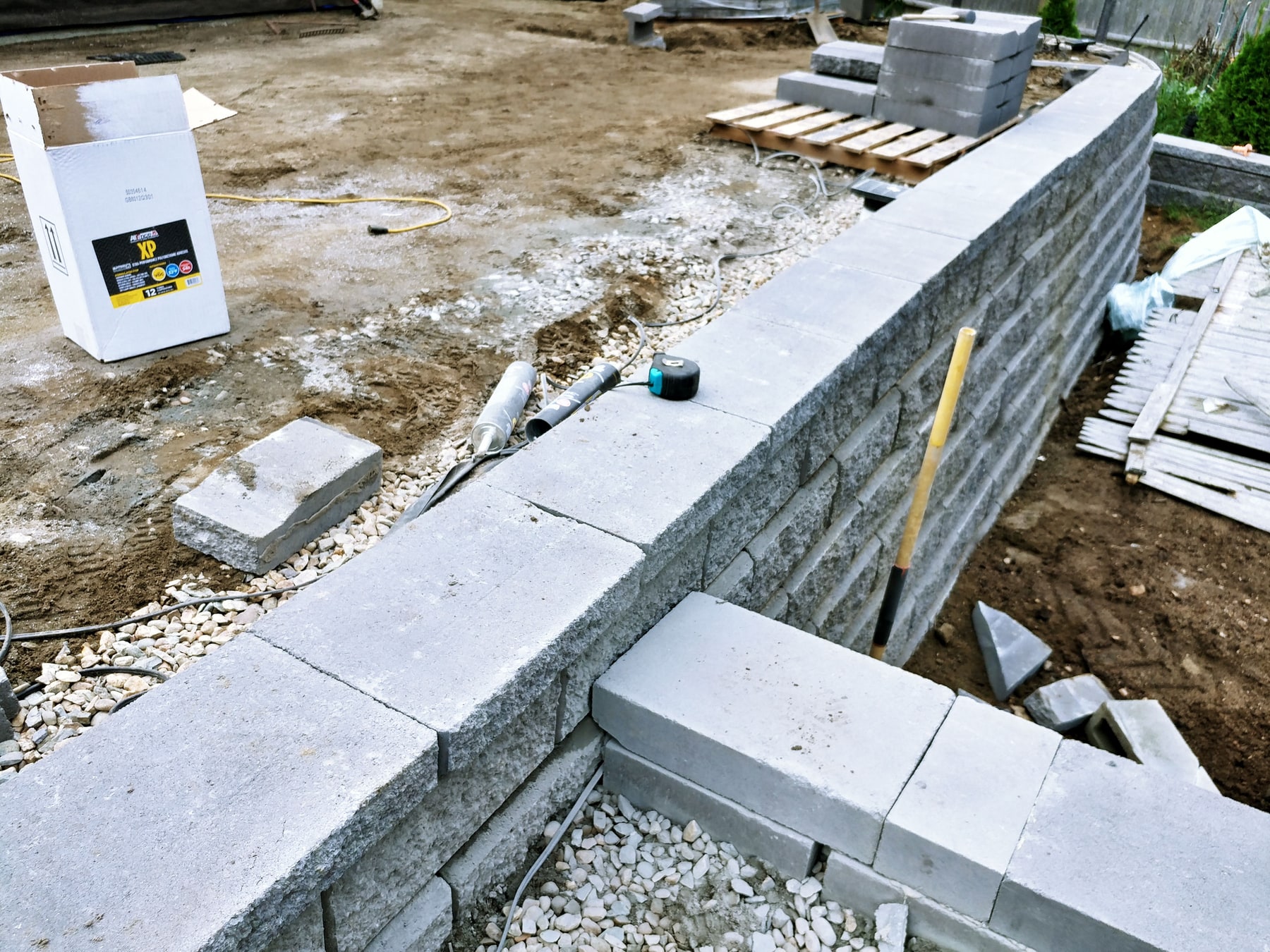
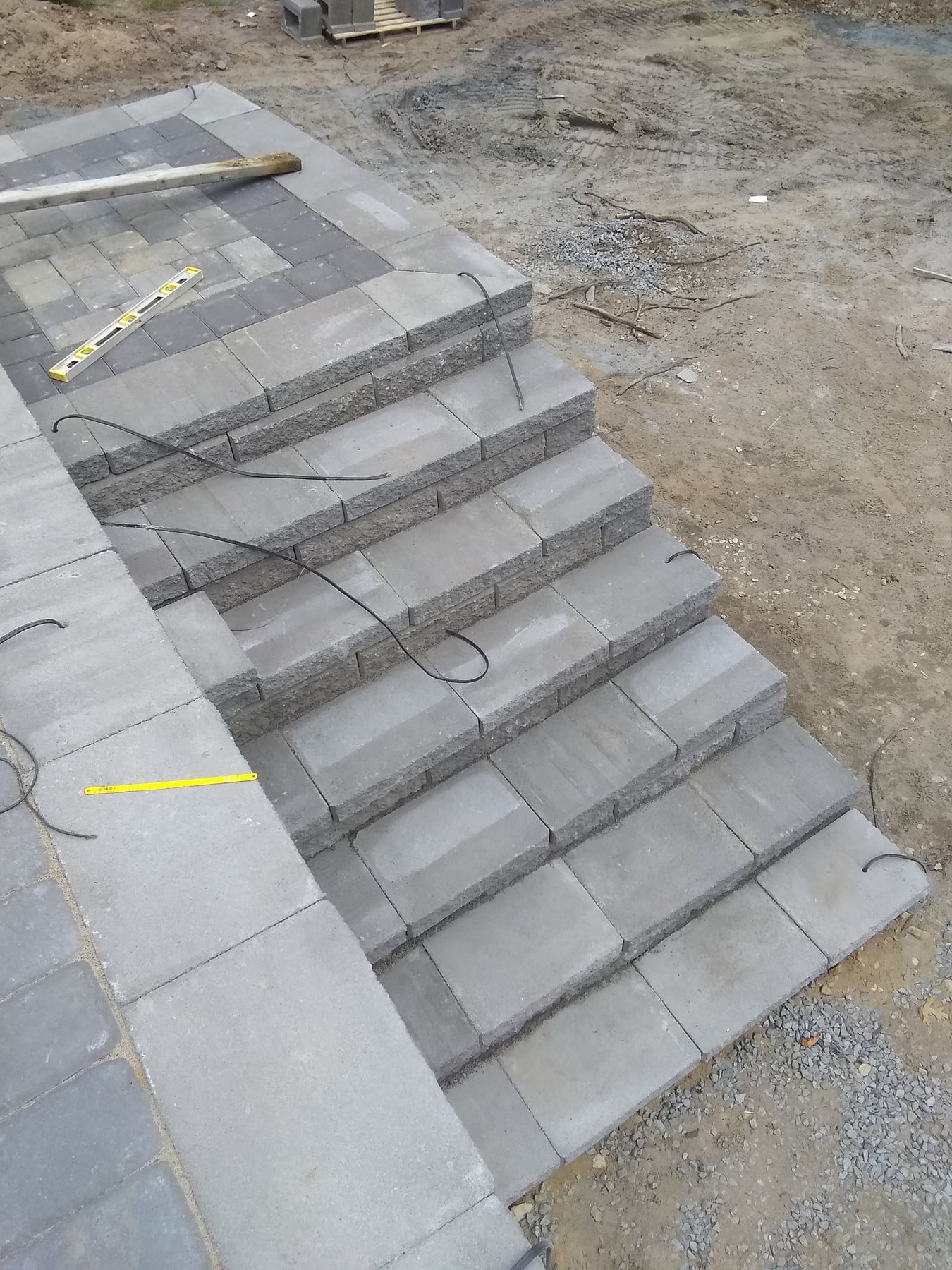
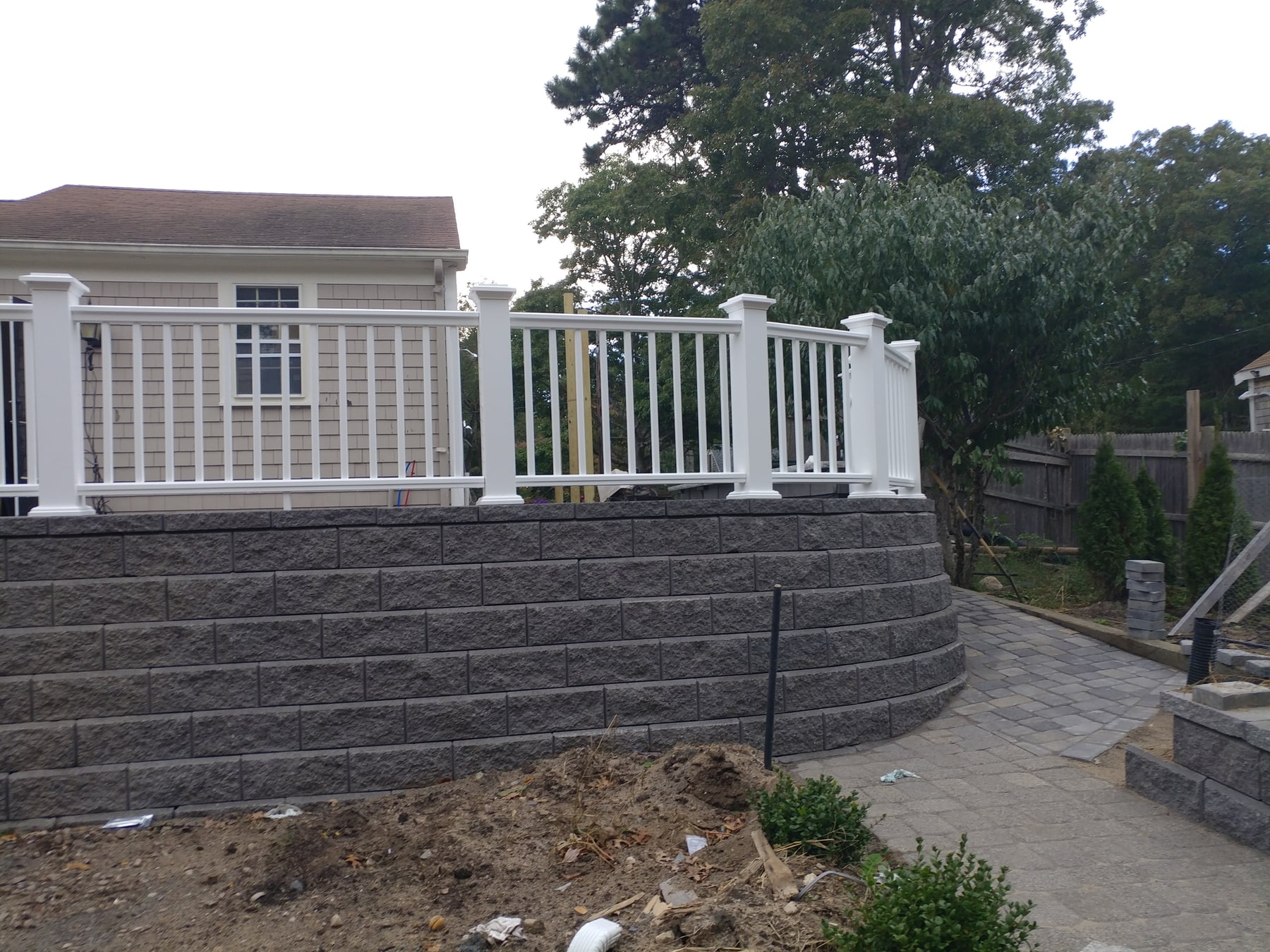
Stone paving, steps, and a curved block wall, shown in construction details and wider views of the patio. The selection highlights the surface pattern, edges, and changes in level.
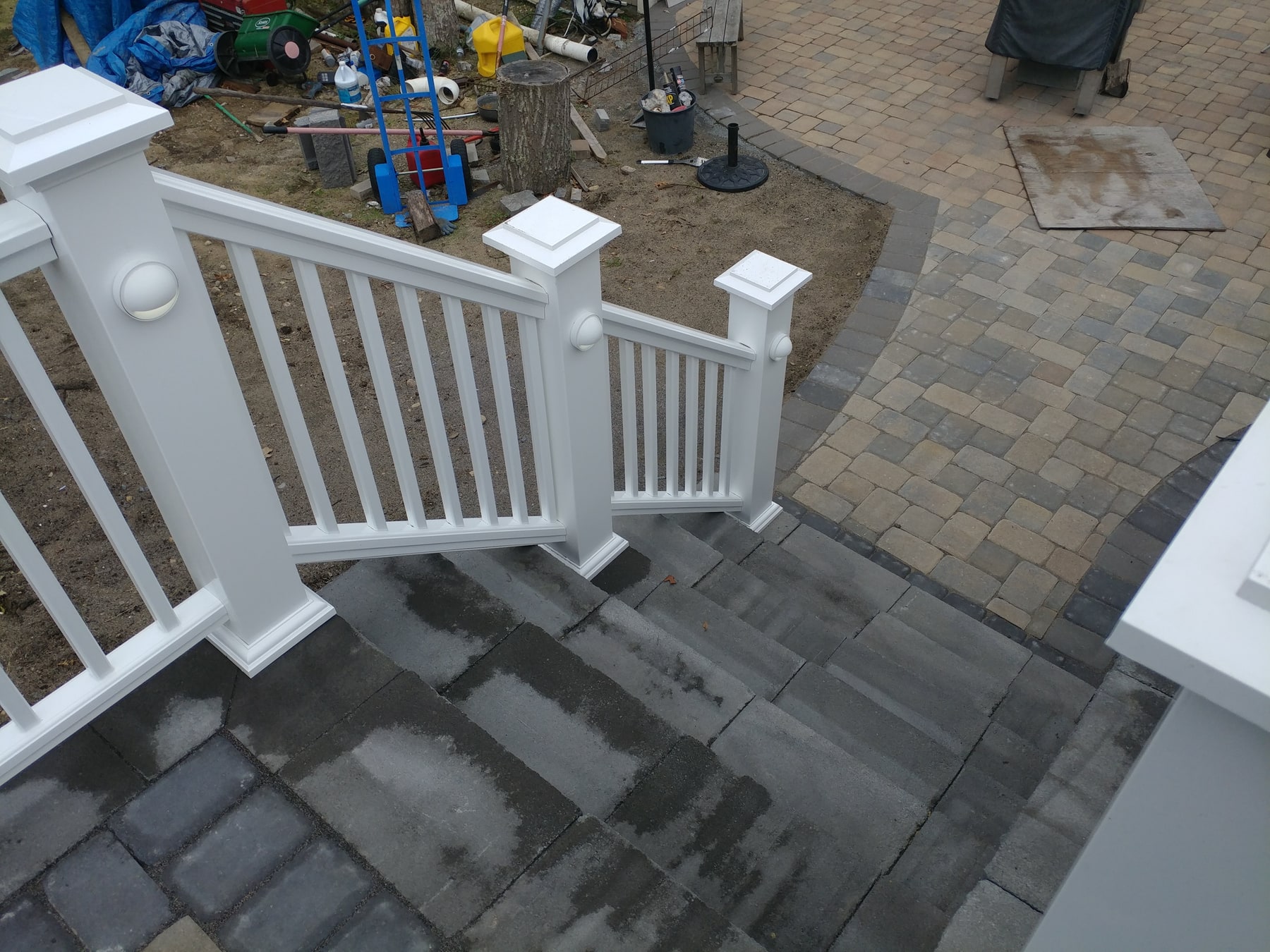
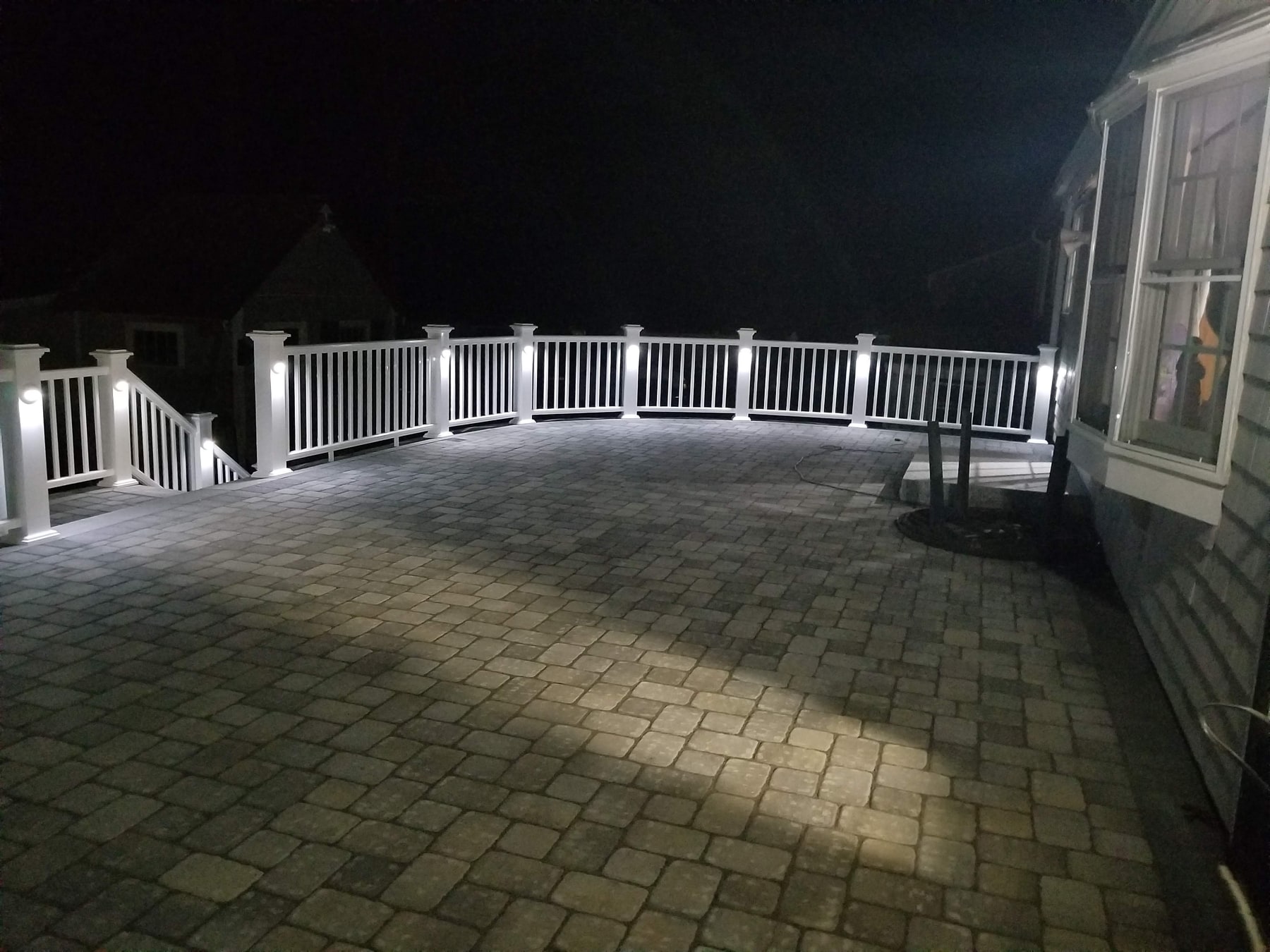
Remodeling project
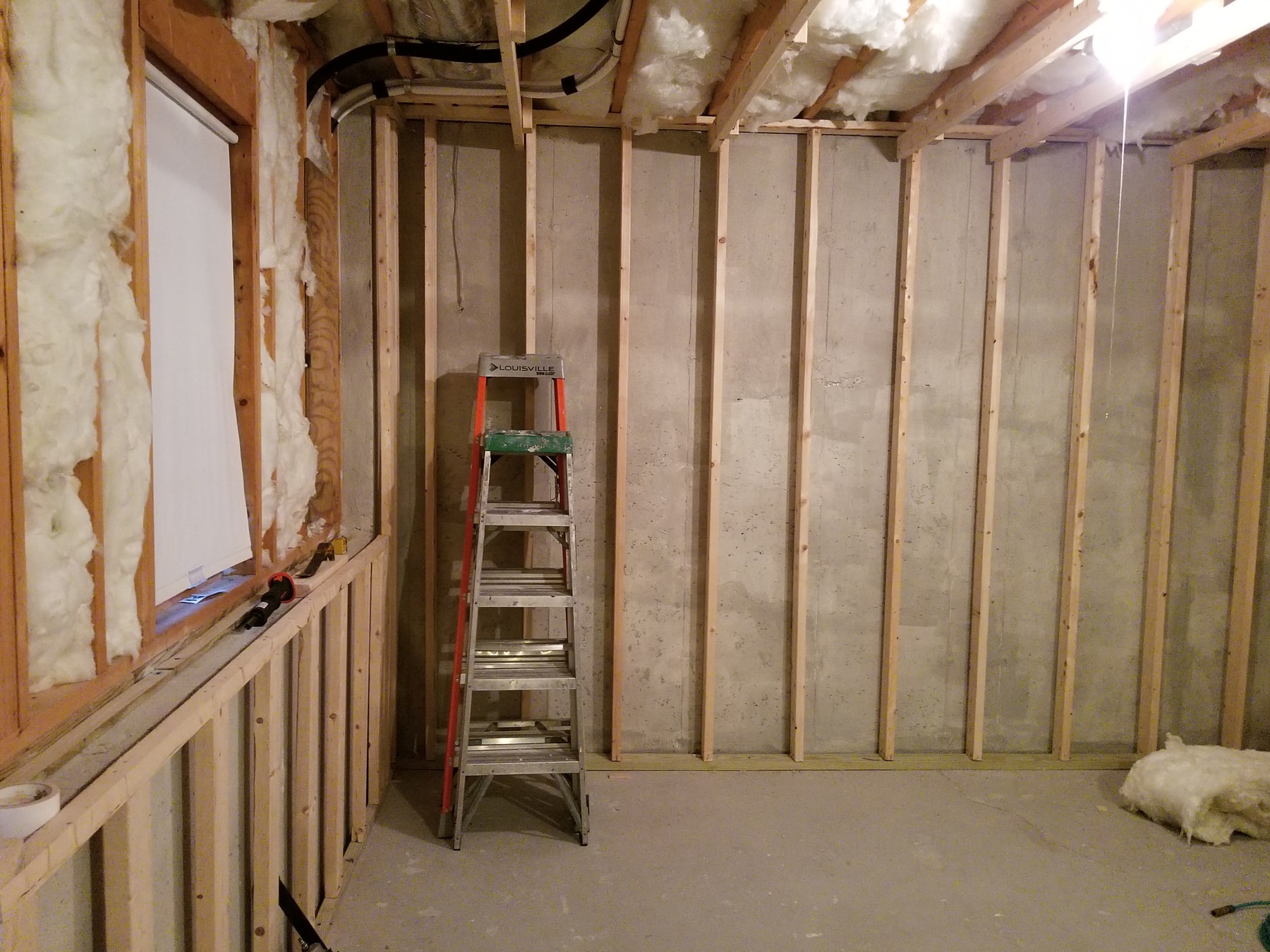
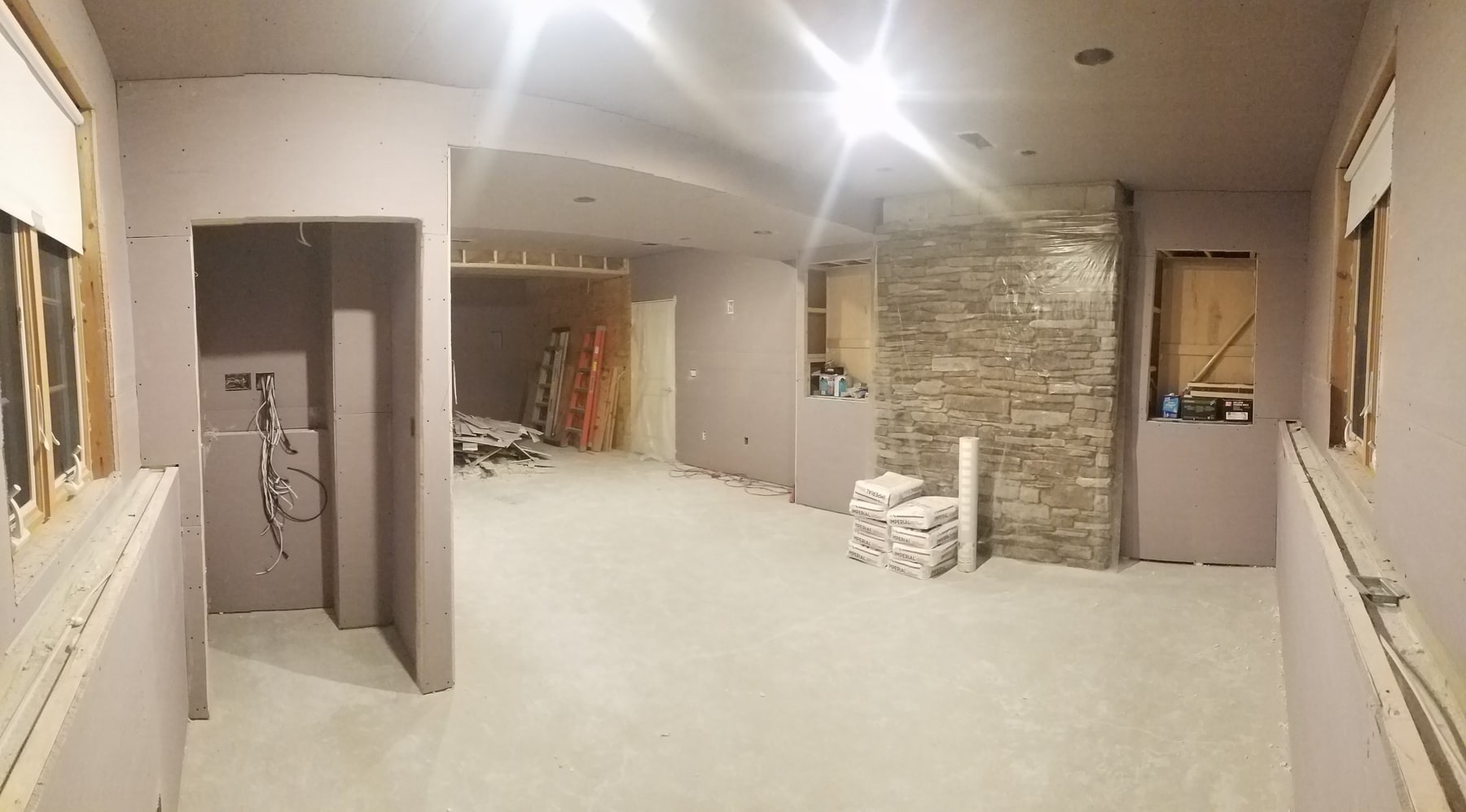
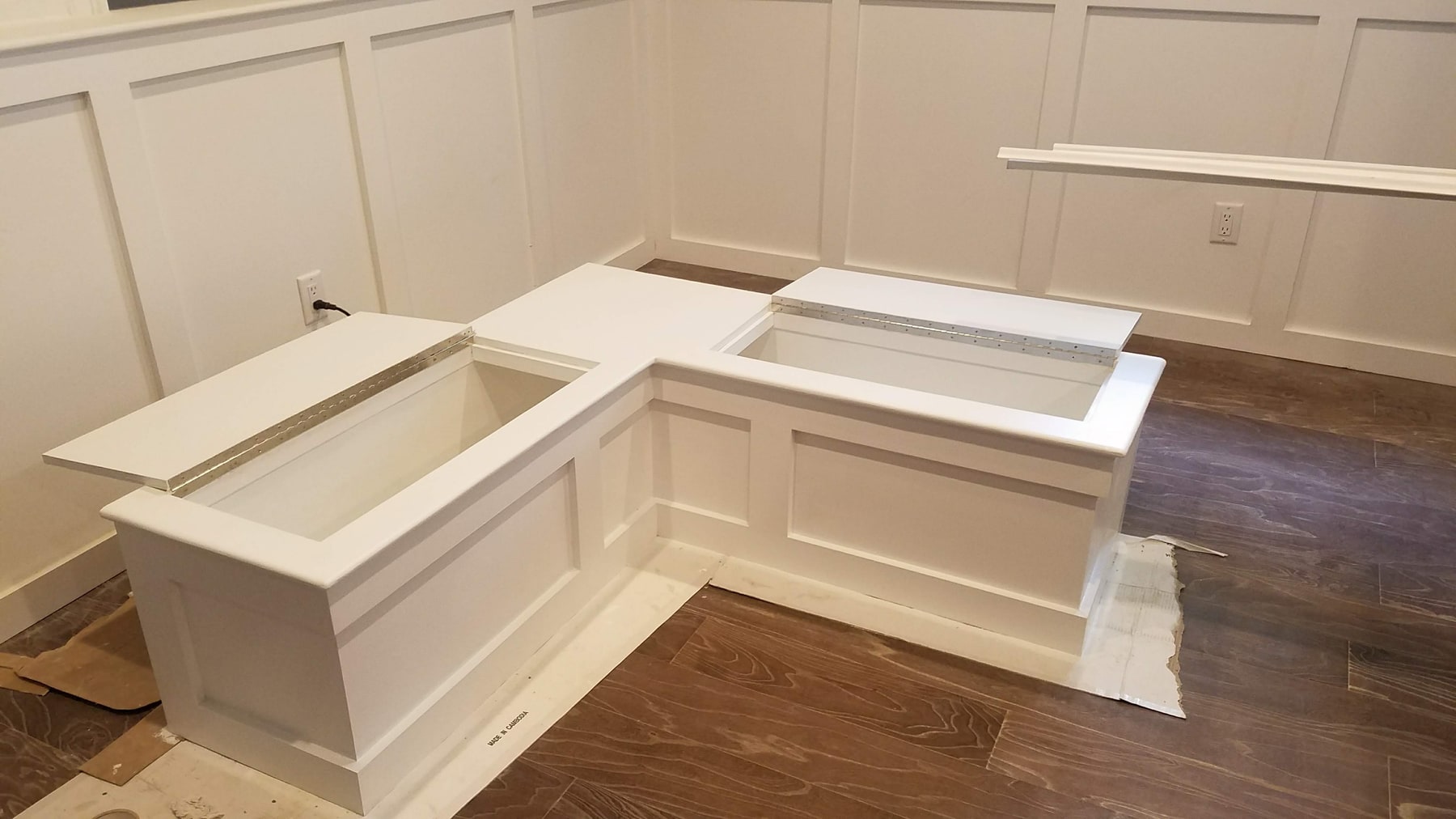
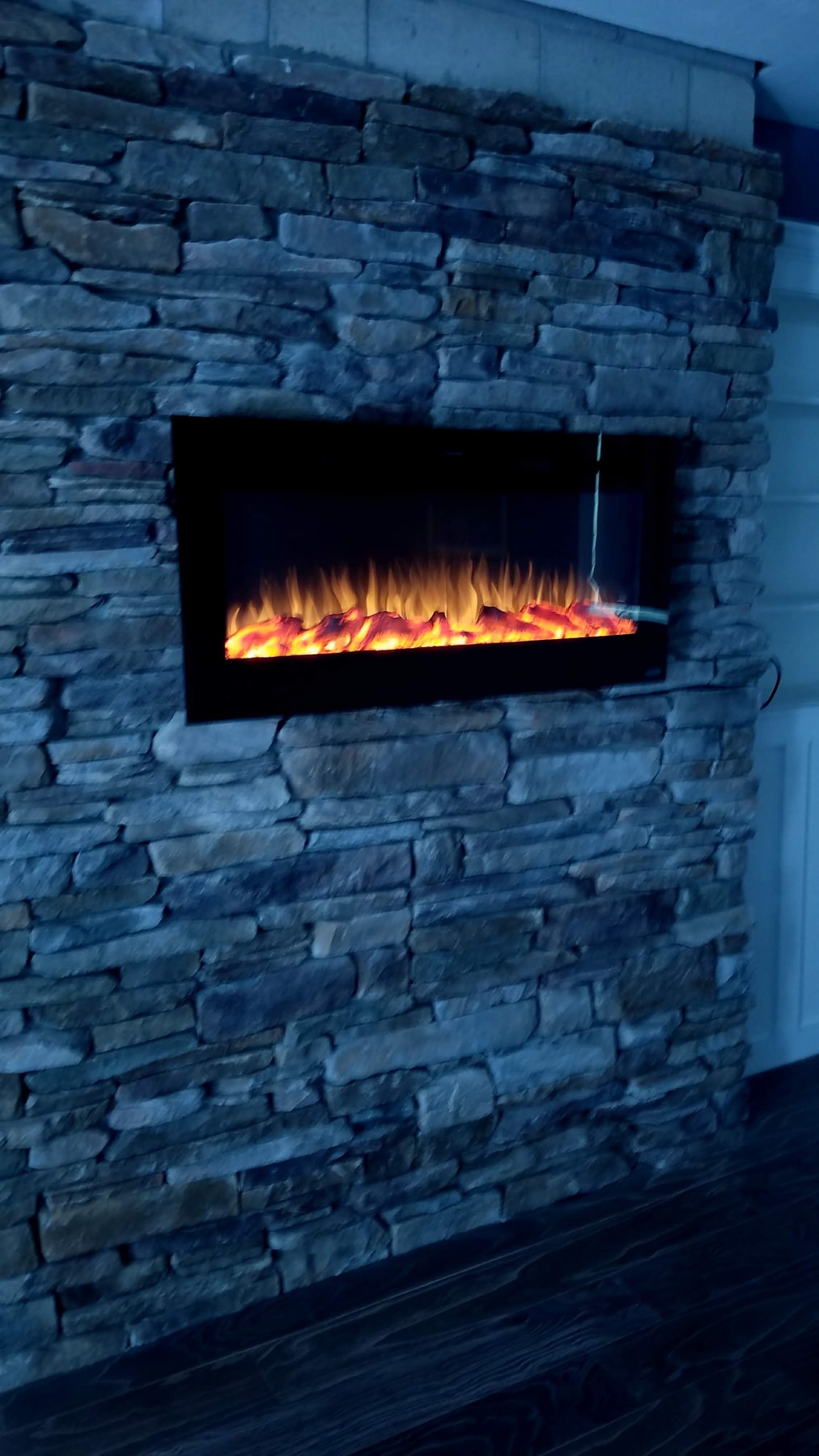
A basement interior documented through exposed framing, wallboard, and finish details. White wall paneling and an L-shaped storage bench give a closer view of the room’s carpentry.
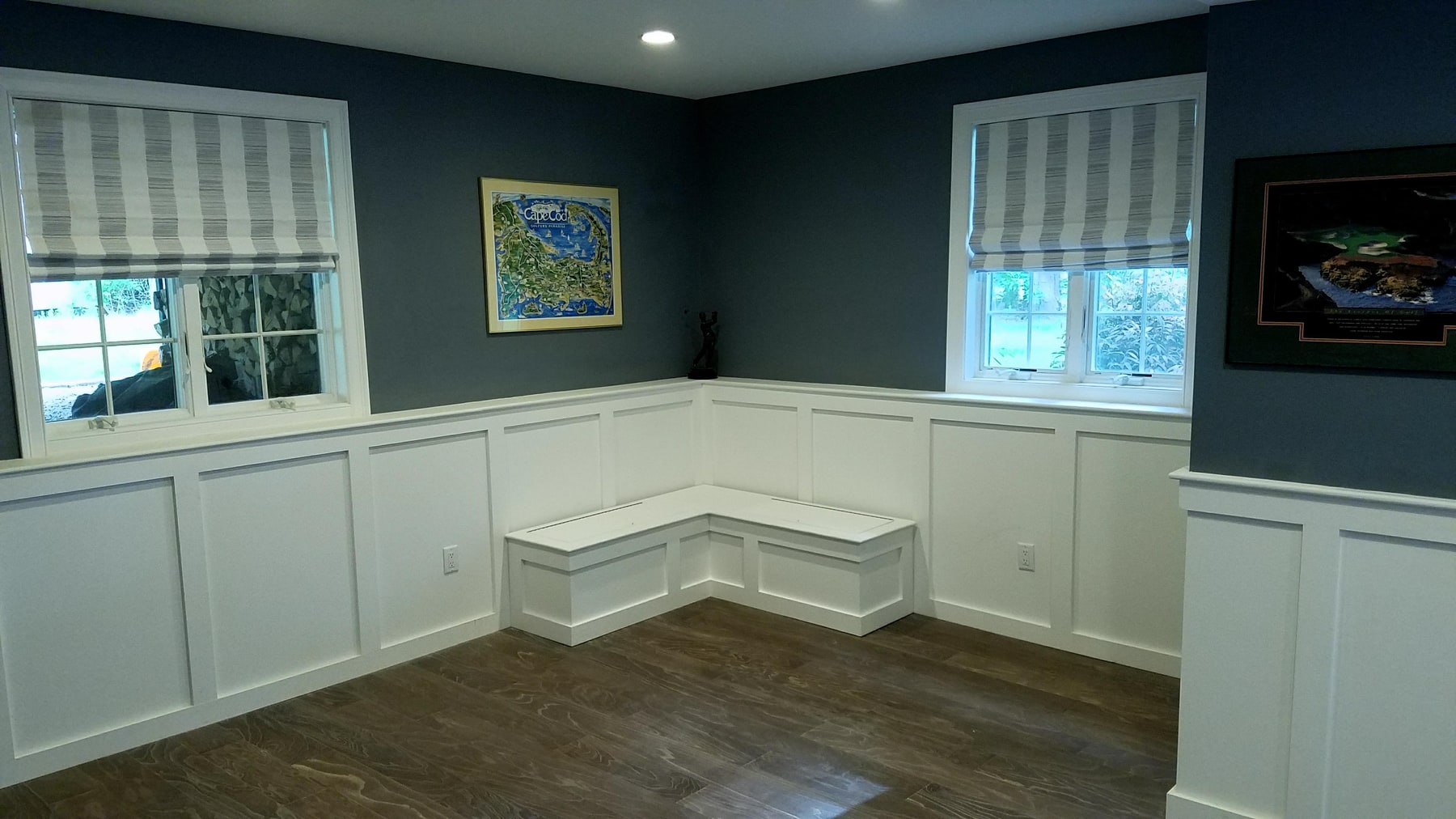
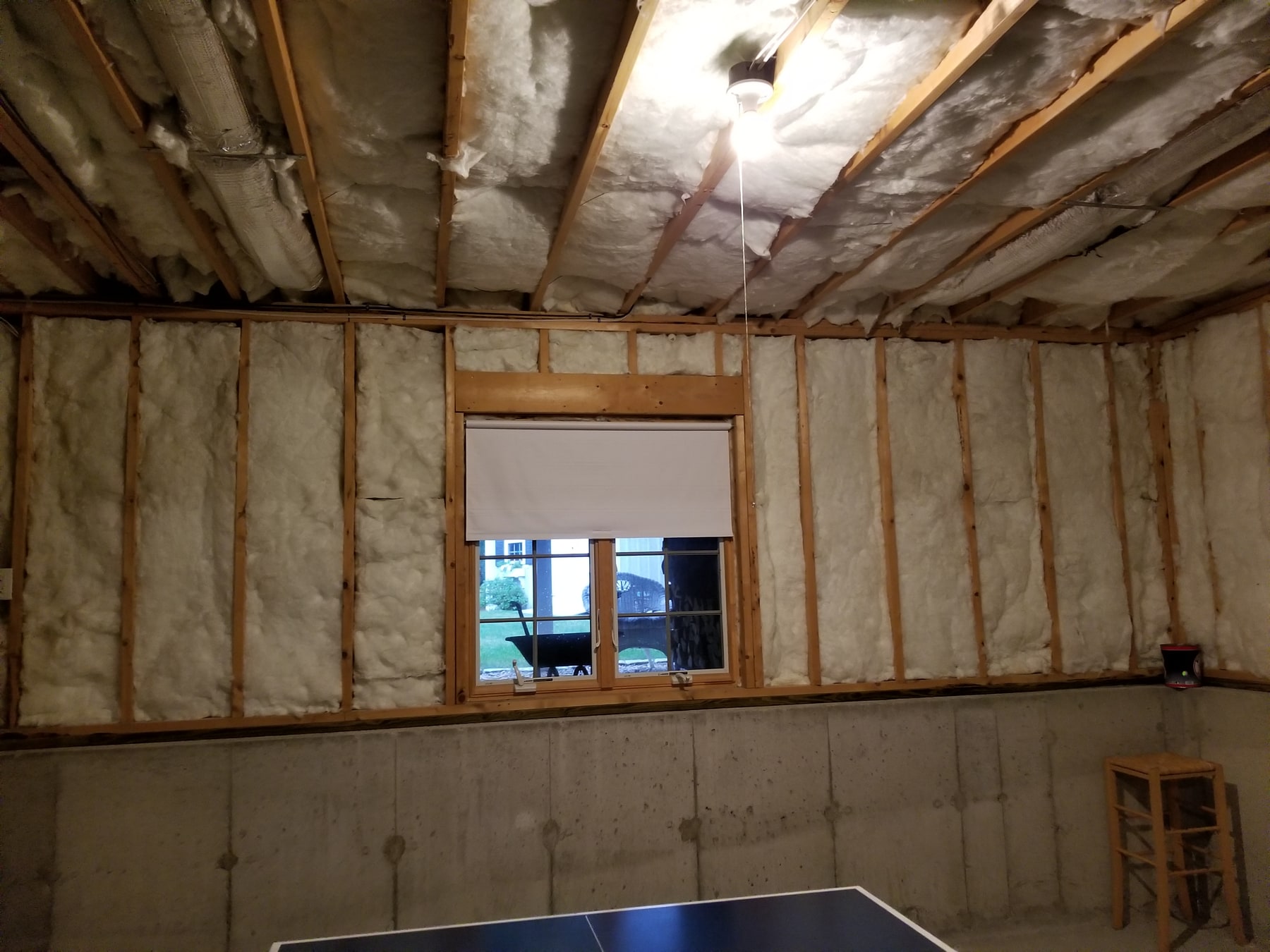
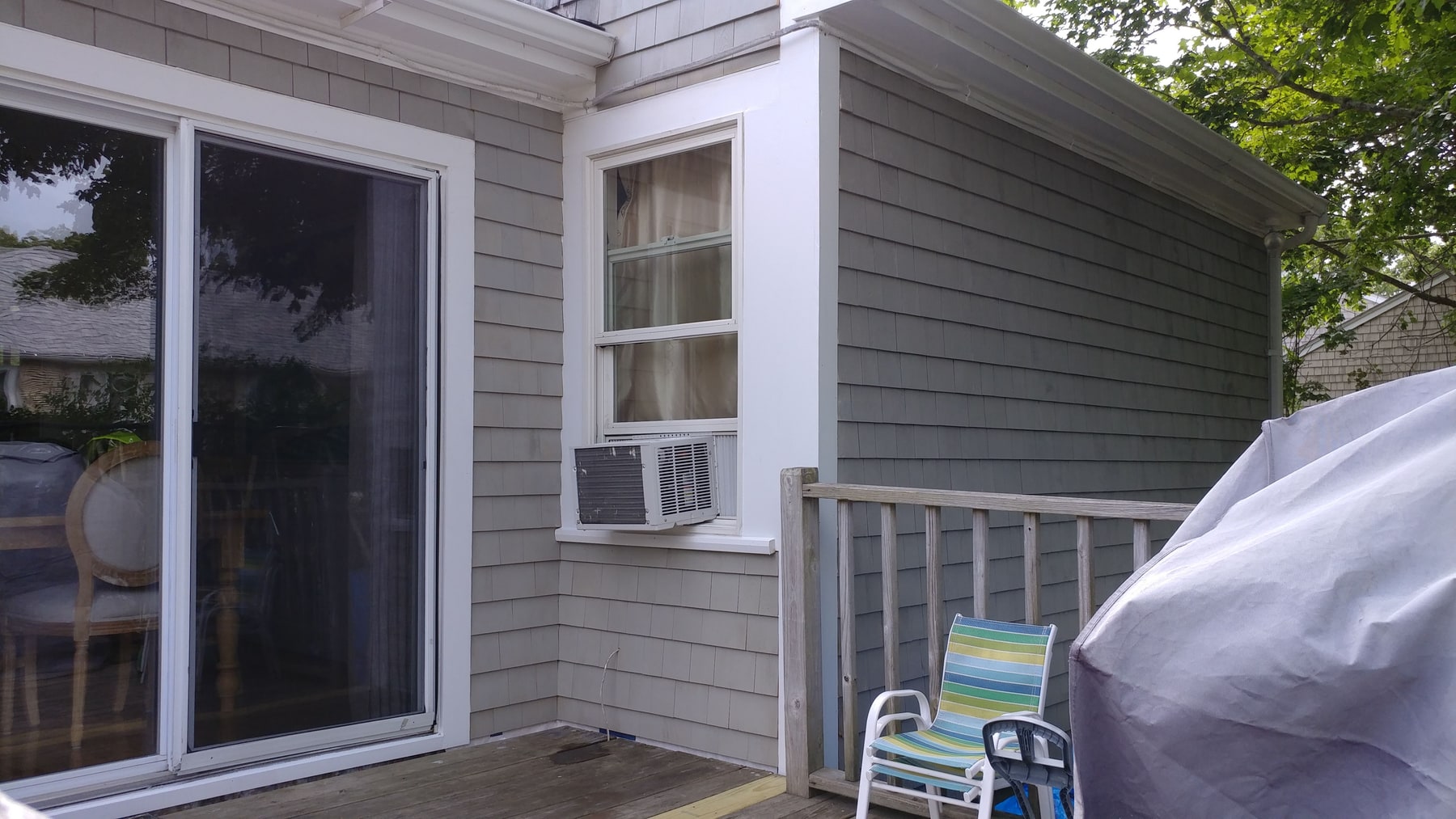
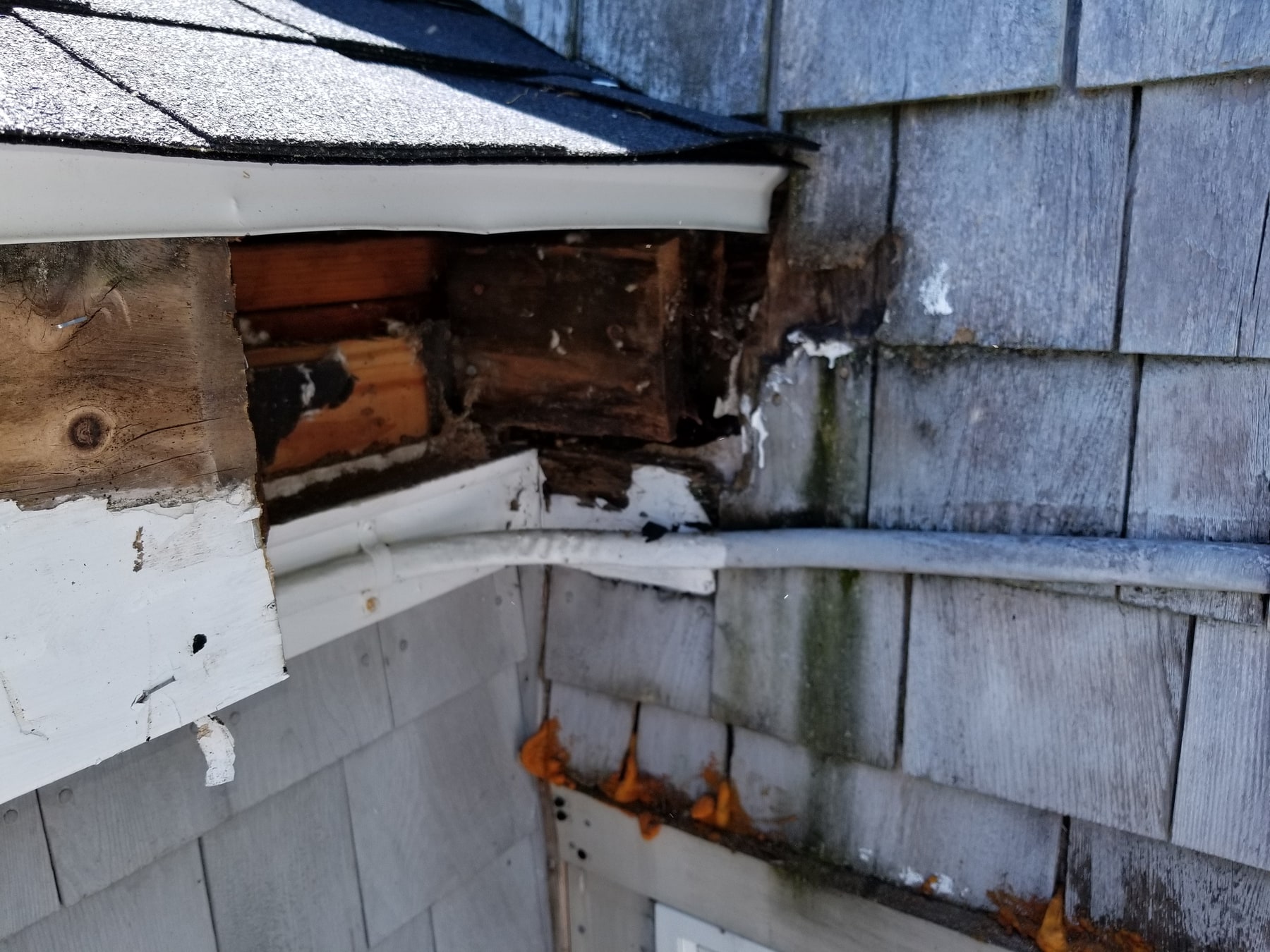
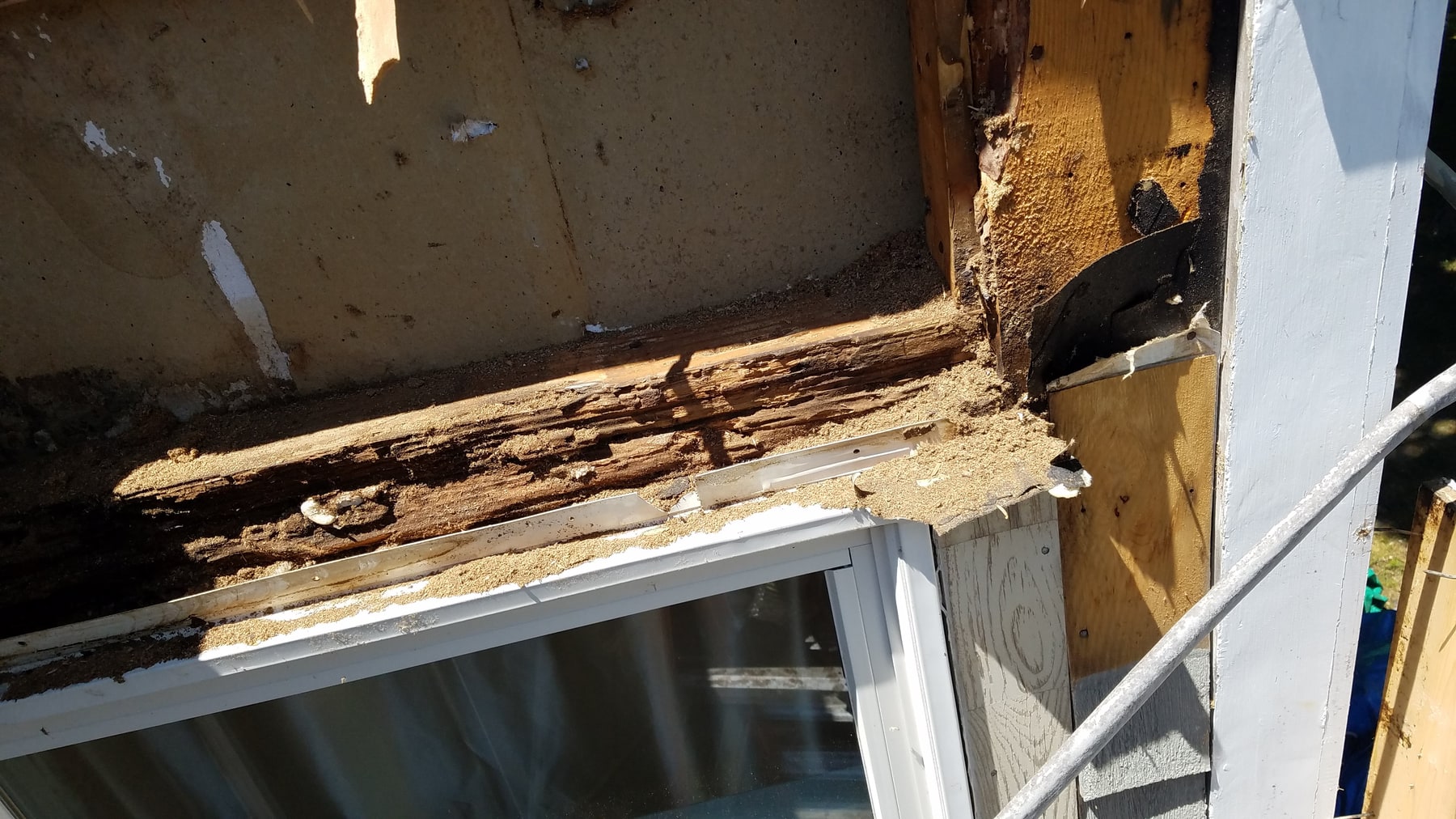
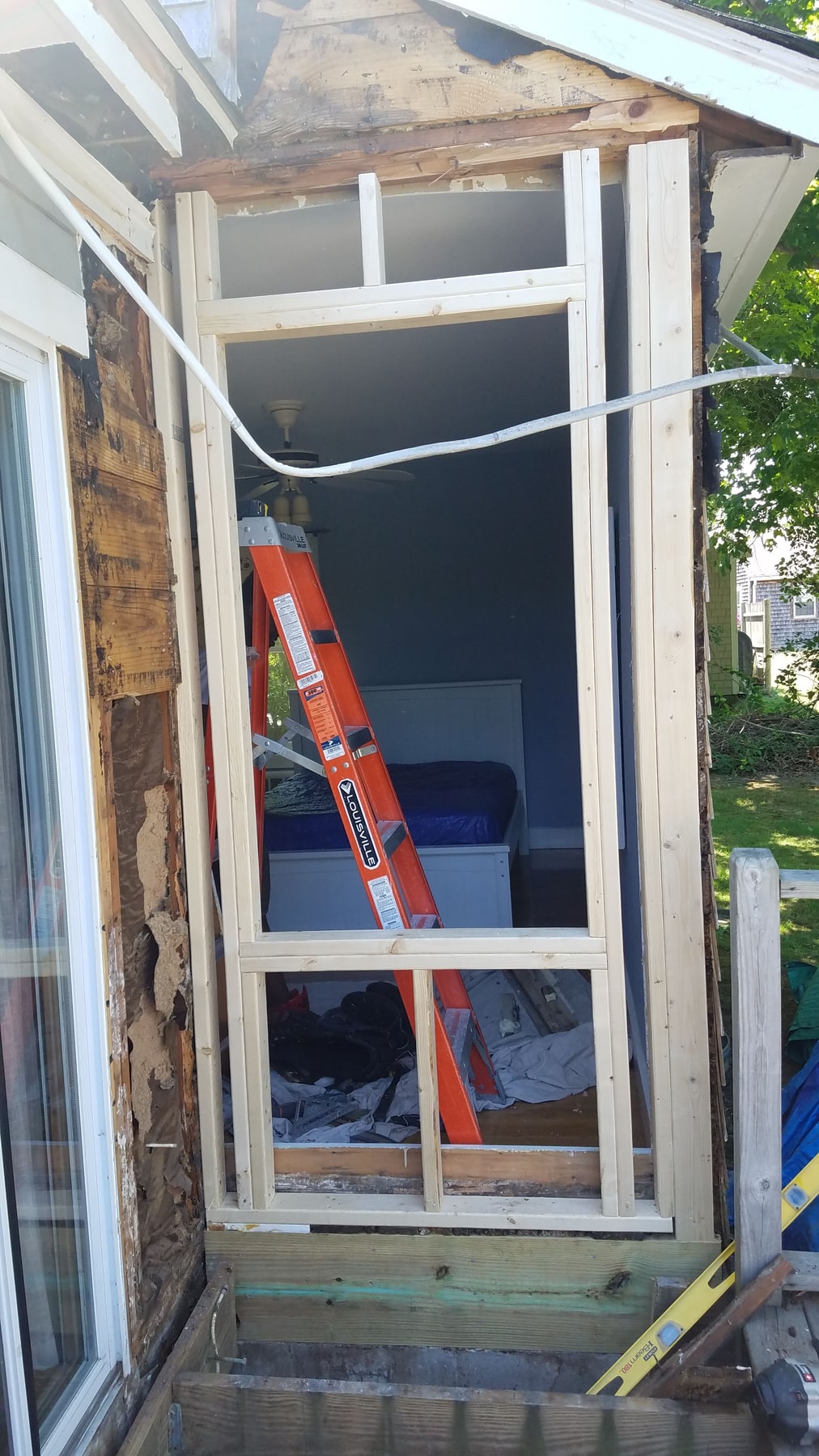
Repair project
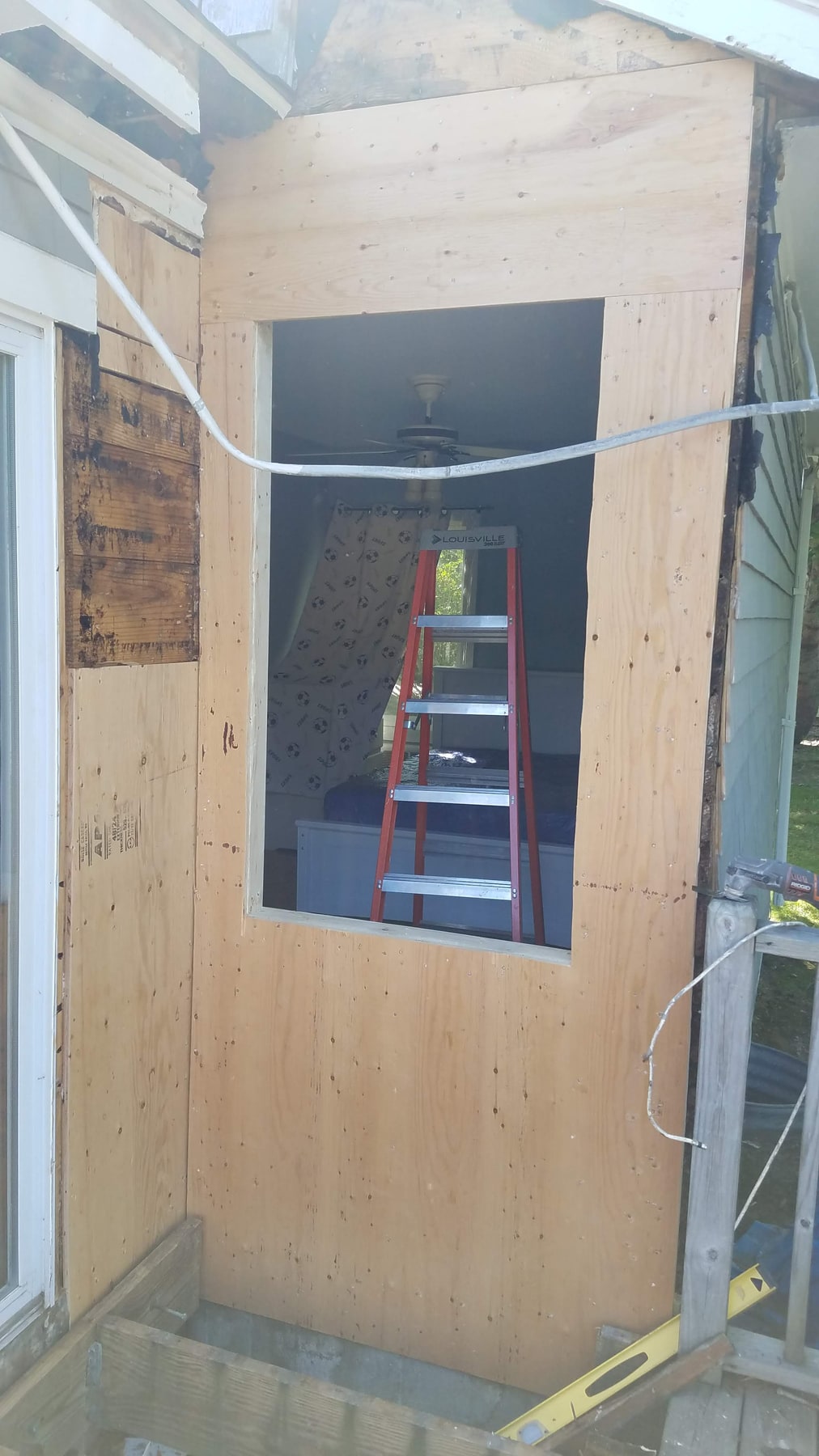
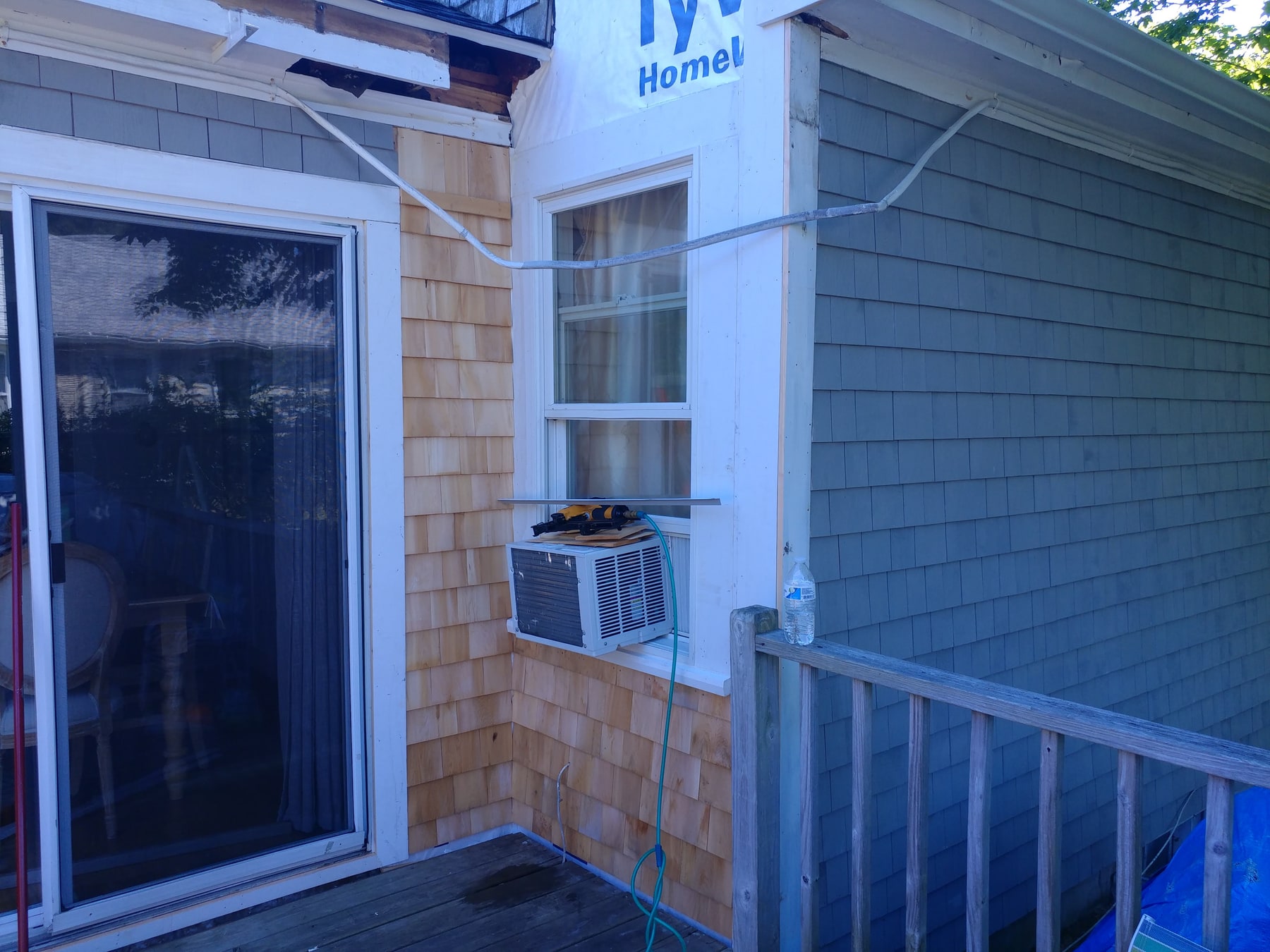
Exterior repair photographs showing deteriorated wood, opened wall areas, replacement framing, and the siding and trim that follow. The close views make the changes at the window and roof junction easier to see.
03 / Design & Marketing
Running a small business also means communicating clearly: explaining the service, presenting it consistently, and helping people take the next step.
Business website & promotion
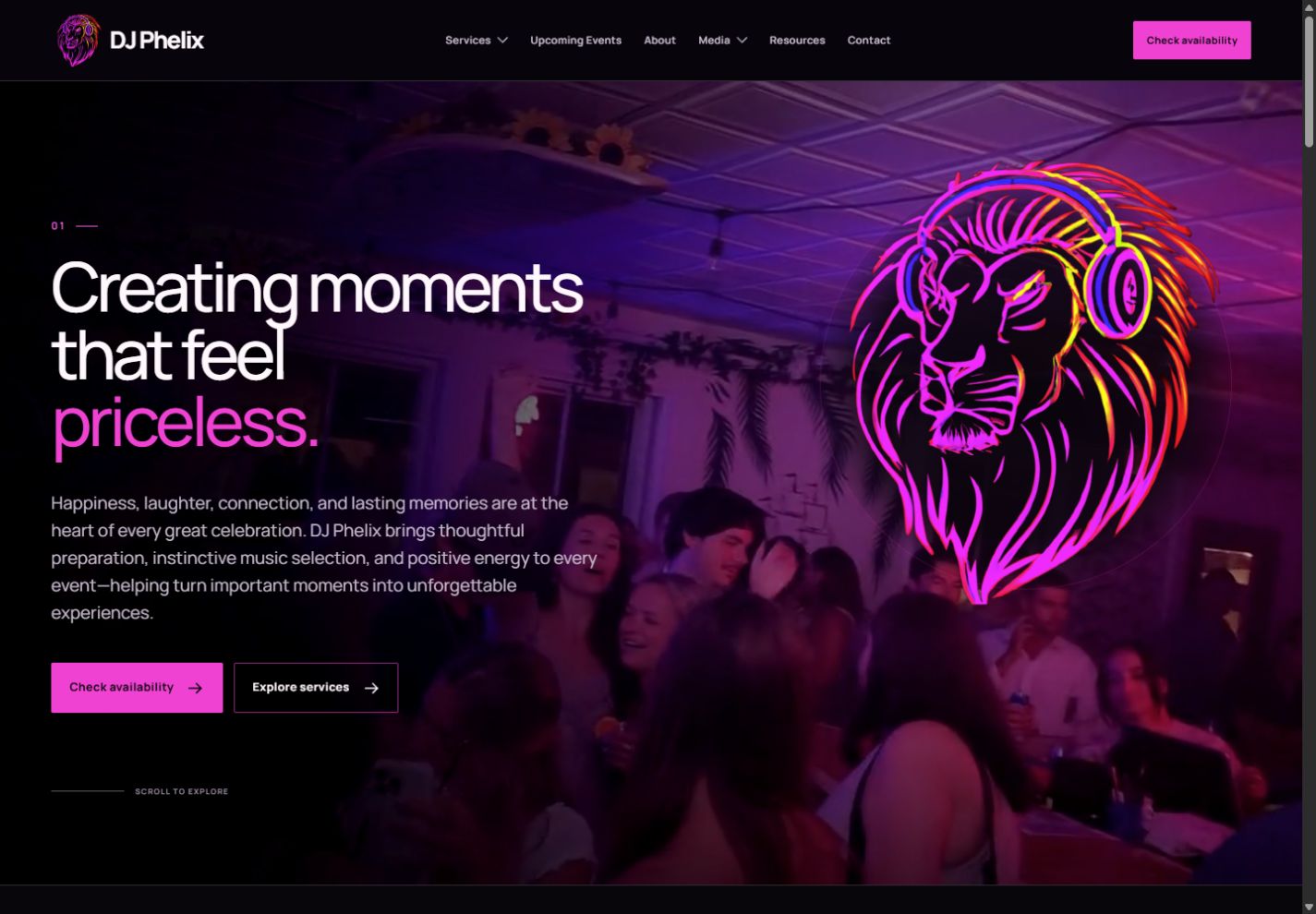
People planning weddings, private events, and nightlife on Cape Cod need to understand the service and have a straightforward way to start a conversation.
I supply photo and video evidence of my gigs, offer creative direction, and contribute ideas for the copy. Those inputs help shape how DJ Phelix is presented and connect the promotion to the work I do at events.
The site brings together service descriptions, music selections, consistent visual branding, and contact options. It is a working example of presenting a small business online.
My focus: Gig photos and video, creative direction, copy ideas, service communication.
Explore DJ Phelix (opens in a new tab)04 / Further Projects
Additional areas of independent development, with their scope and stage kept explicit.
Development project
A retrofit project exploring how to extend rechargeable RGB uplight control while retaining existing power and LED hardware. The design focuses on ESP32 control, DMX integration, wired fallback, fixture profiles, and blackout behavior.
Project focus: ESP32-S3, ESP-NOW, DMX512, RS-485, embedded firmware, serviceability.
Independent software project | In development
Formerly Grand Master Slice
A 3D printer makes an object by building up thin layers of material. A slicer is the software that turns a digital 3D design into the instructions for those layers: where the printer moves, how much plastic it lays down, and how the job is prepared.
I am developing Mane Slice by adapting existing open-source software, with work on Flashforge Adventurer 3 Pro profiles and an OctoPrint dashboard used with an Anycubic Kobra Plus. The longer-term aim is to help people understand print preparation without having to work out every setting themselves.
Explore the implemented OctoPrint interface, including before-and-after screenshots, mobile layout work, and a browser simulator.
Instead of relying on one fixed set of settings for an entire object, the goal is to plan around the part’s shape, material, and intended use. A piece that needs to fit another part may need a different approach from a decorative object. Recommendations should explain what would change and why, while leaving the user in control.
Printing that suits the part: vary speed, heat, and cooling where appropriate, with the aim of improving quality and reducing failed prints.
Smarter use of plastic: gradually adjust how much material fills the inside of a part, including near its top and bottom surfaces, rather than use the same amount everywhere.
Cleaner starts: investigate ways to clear excess plastic from the nozzle before printing, with an optional cleanup before the second layer where appropriate.
Easier filament changes: guide the user through pausing, replacing the plastic filament for a new color or spool, clearing leftover material, and resuming cleanly.
The groundwork includes Windows build tools, checks of printer settings, and automated tests that compare the instructions the software produces. Next comes explaining the existing settings and identifying which controls can support useful recommendations. Longer term, the aim is to learn from recorded print results rather than guess which settings work best.
Current stage: The intelligent features above are planned, not finished or proven to improve physical prints. Printer-file compatibility and real-print validation remain ongoing work.
Project focus: Practical problem-solving, software testing, clearer controls, and less wasted time and material. Development tools: C++, Python, CMake, and Git.
Planned deployment
A plan to repurpose workstation hardware for storage, development, and compute workloads. The proposed approach uses Ubuntu Server, SSH administration, organized storage, and staged service checks. This is a planning project.
Planned technologies: Ubuntu Server, Linux, SSH, networking, storage, GPU compute.